Bring Ocean Waves To Your Space
Dynamic Water Ripple Lighting For Pools, Patios & More
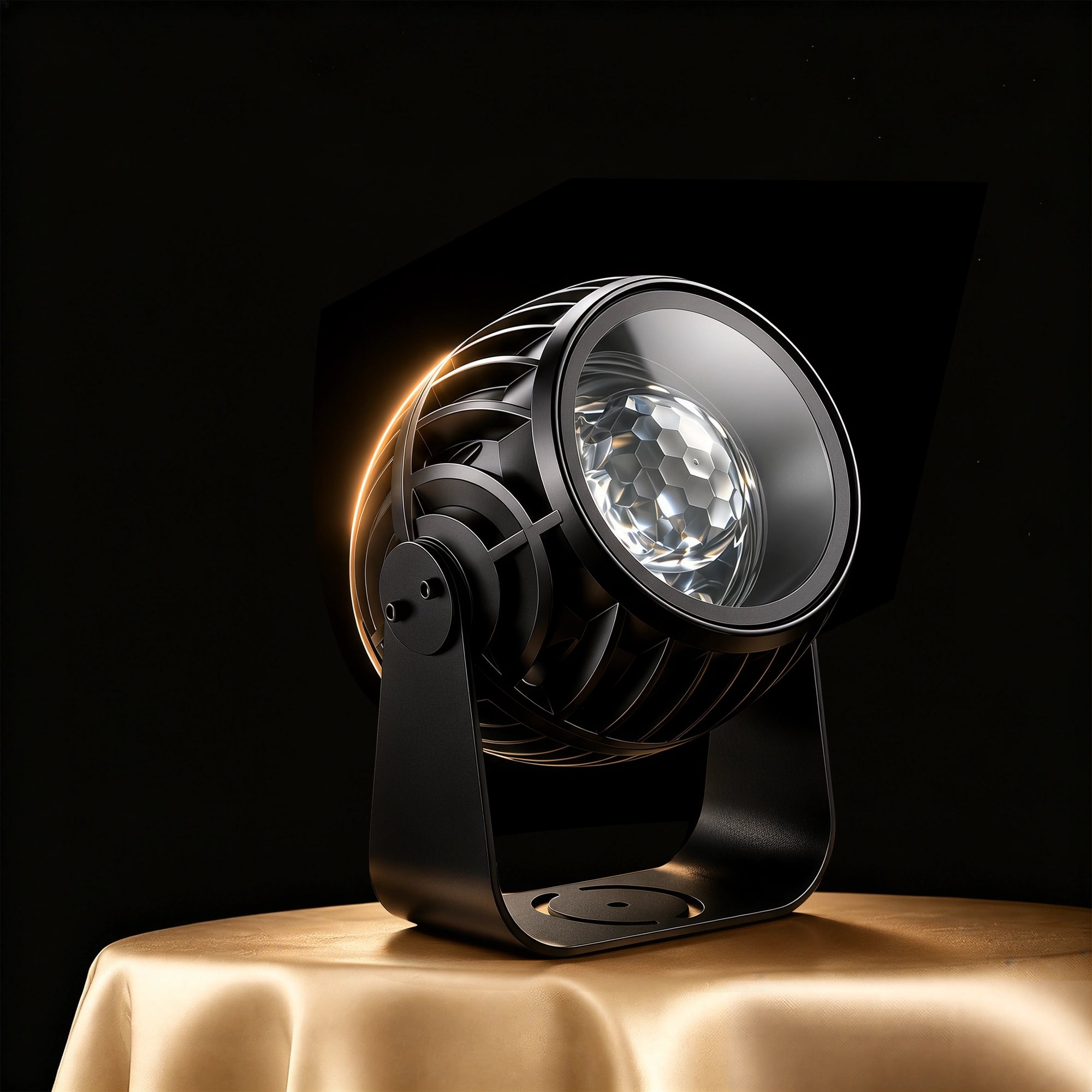
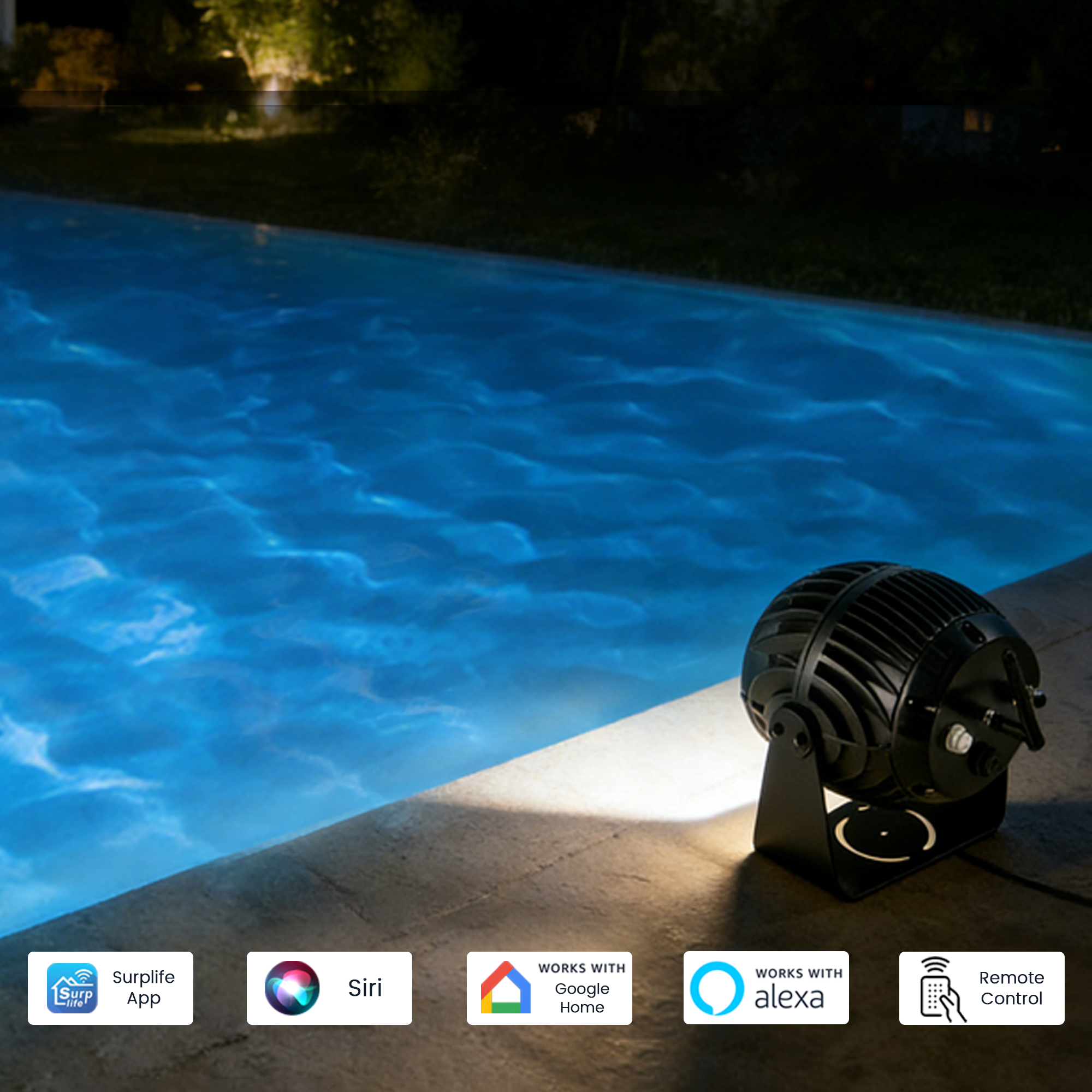
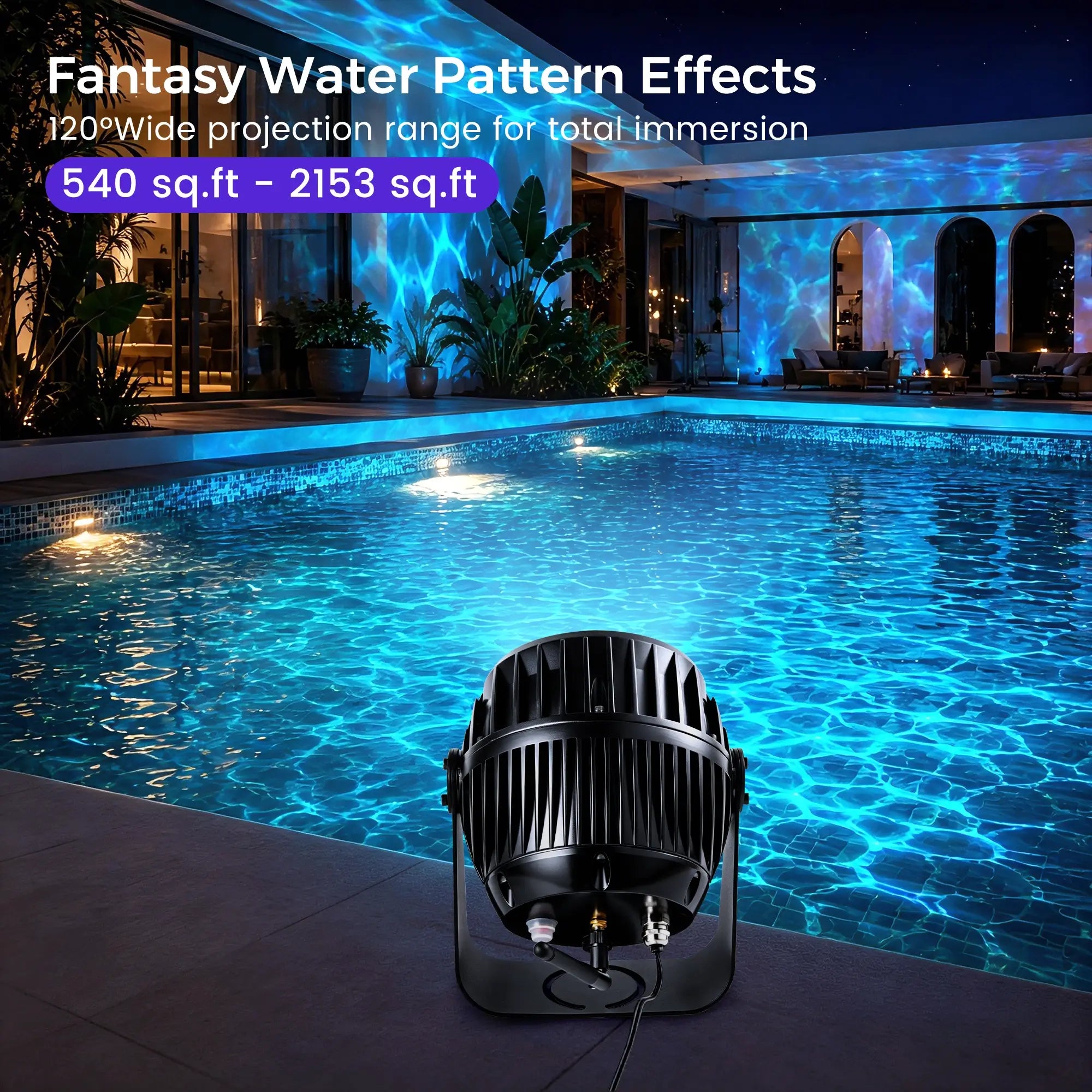
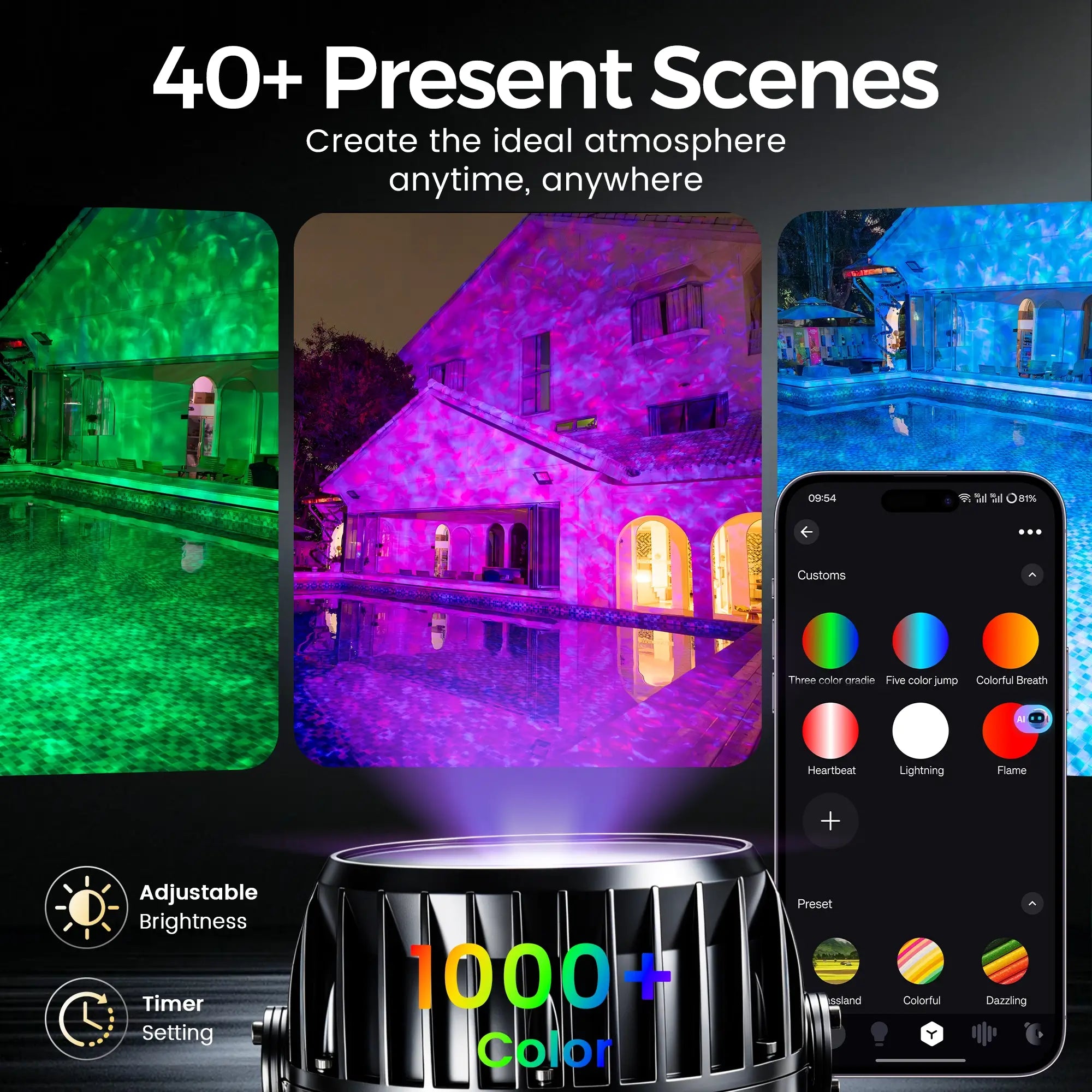
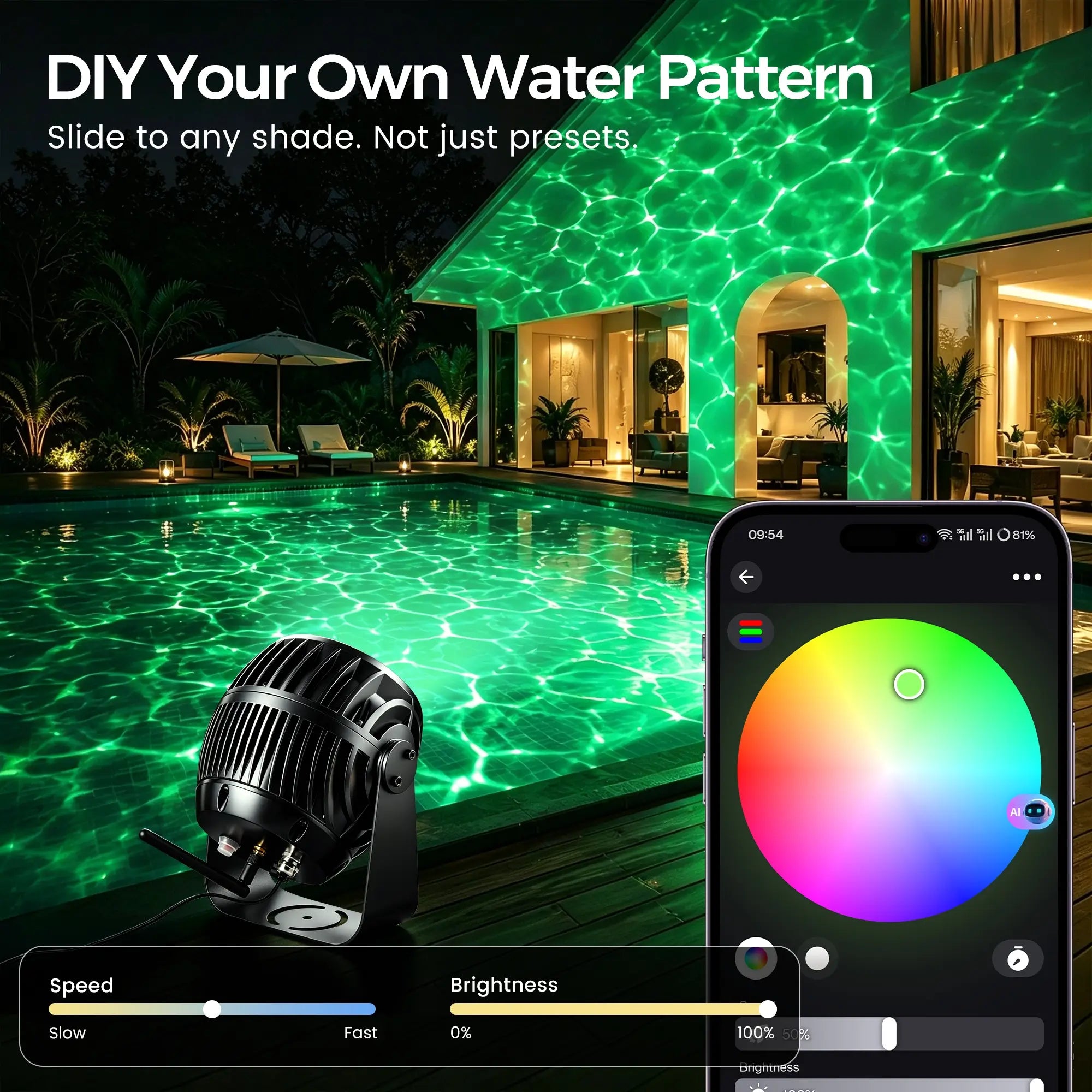
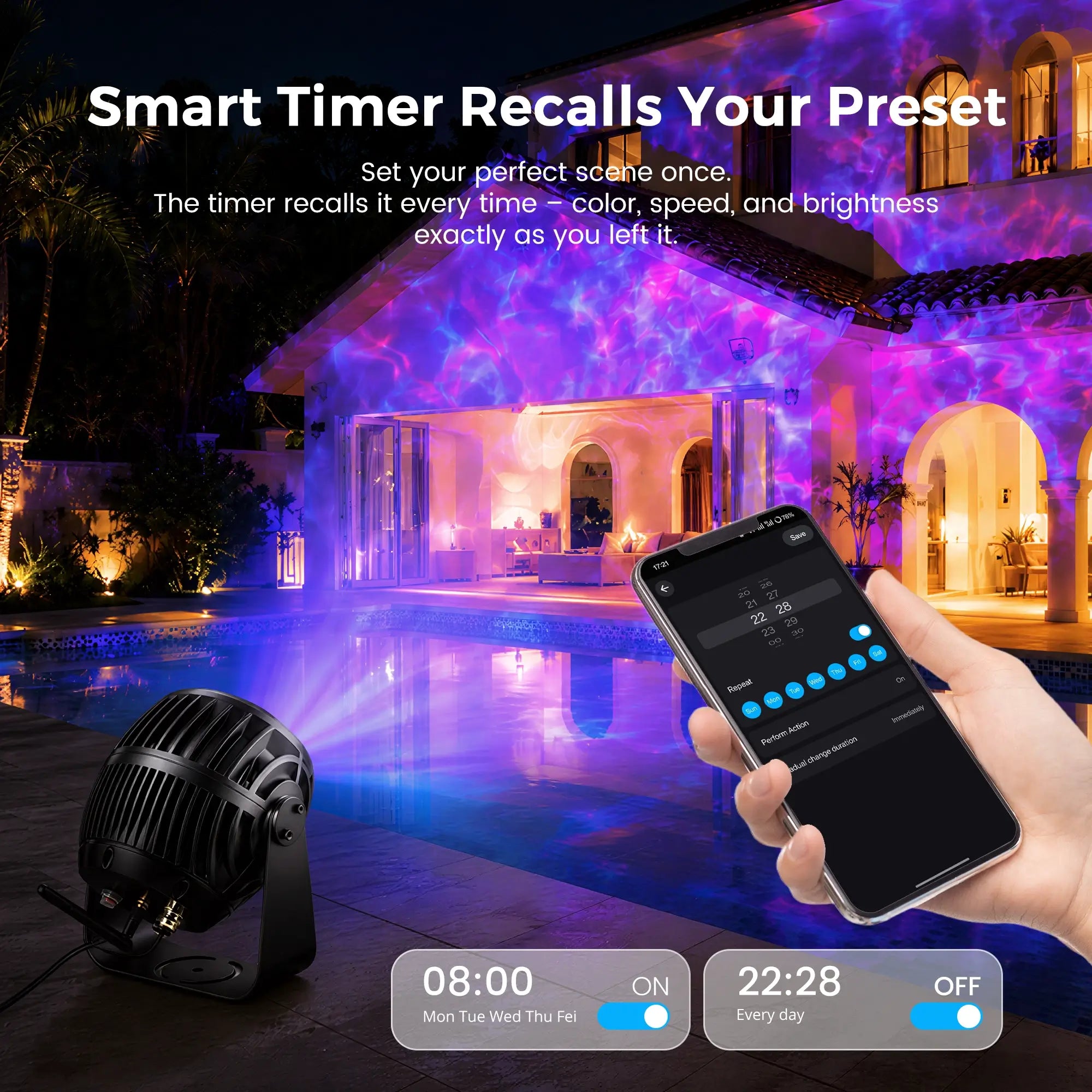
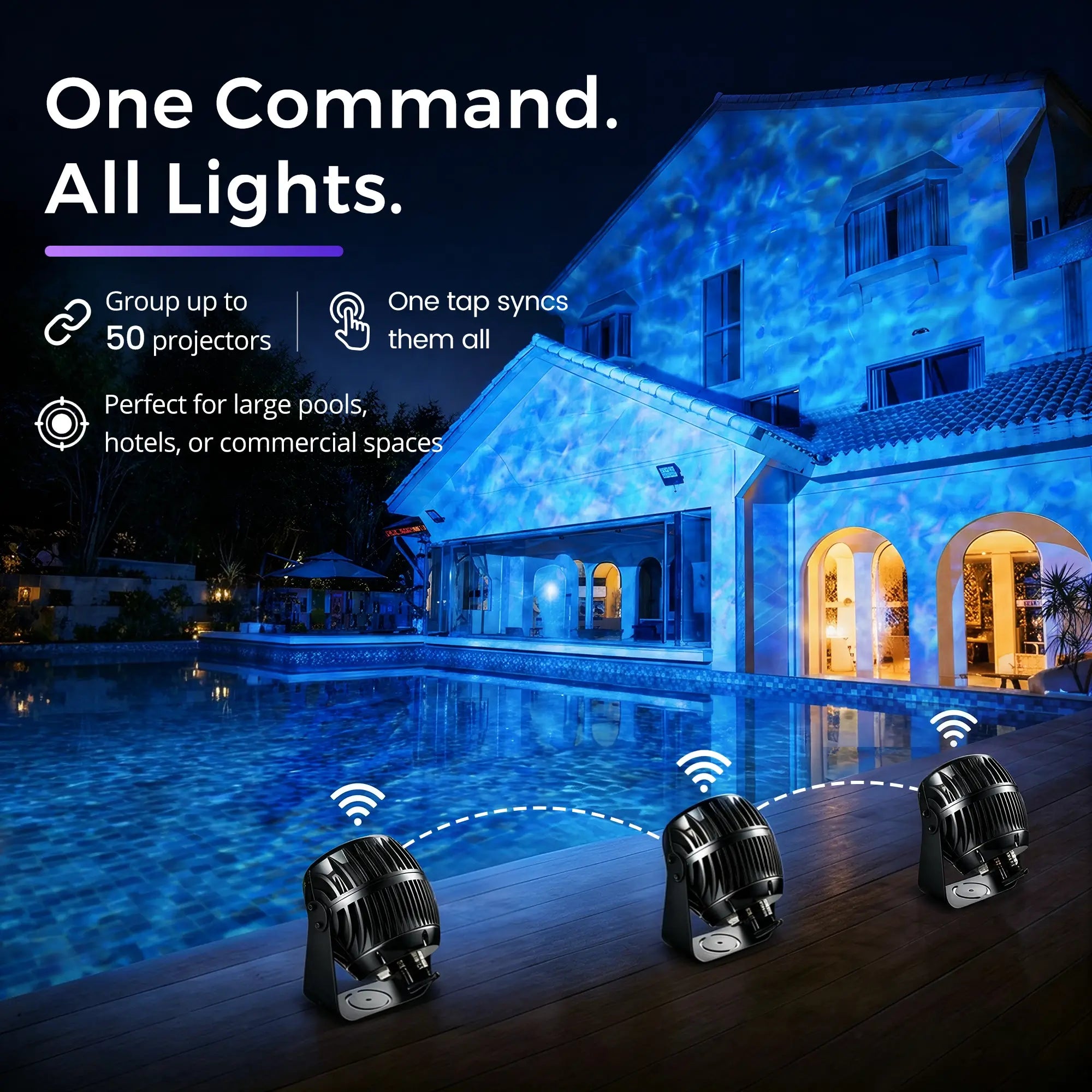
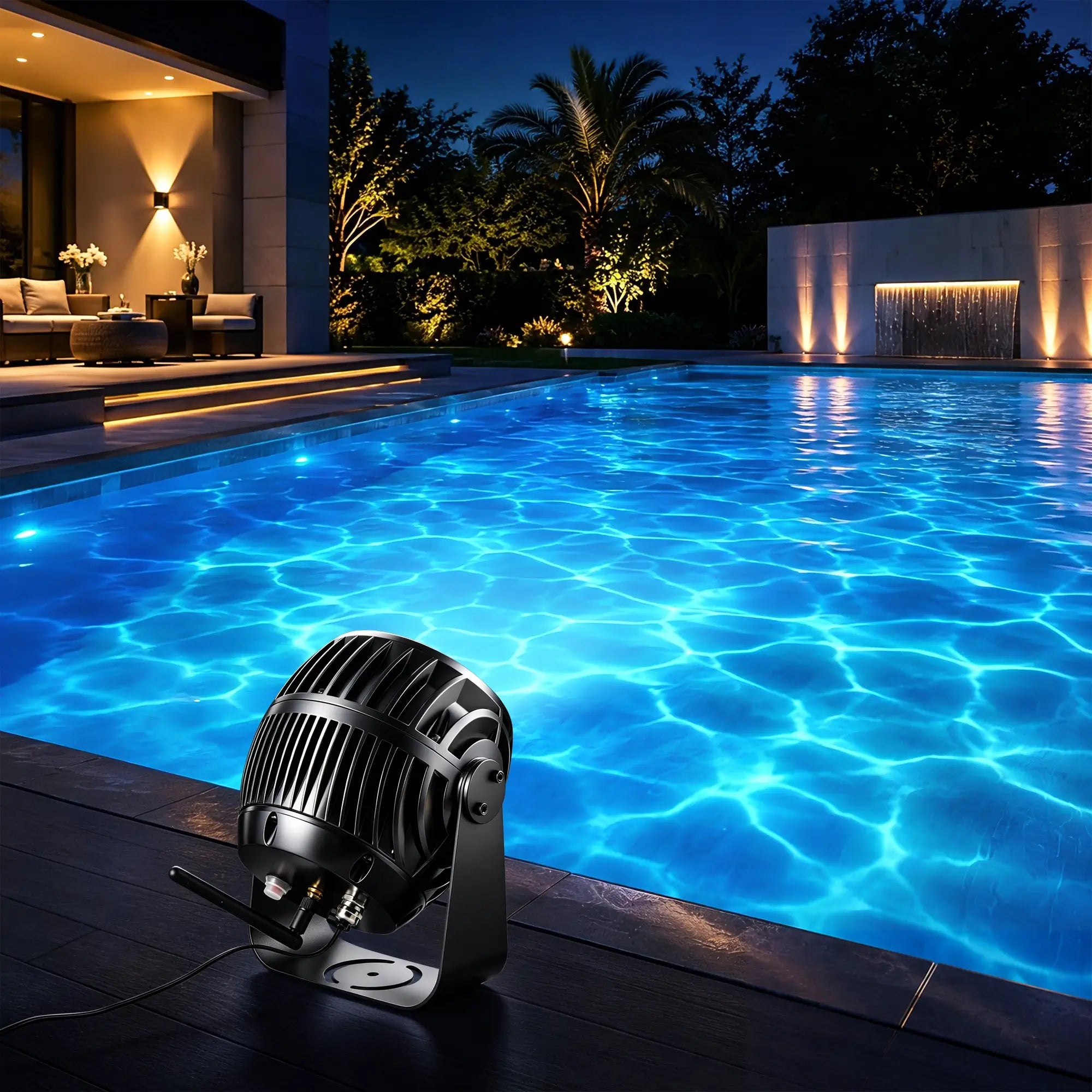
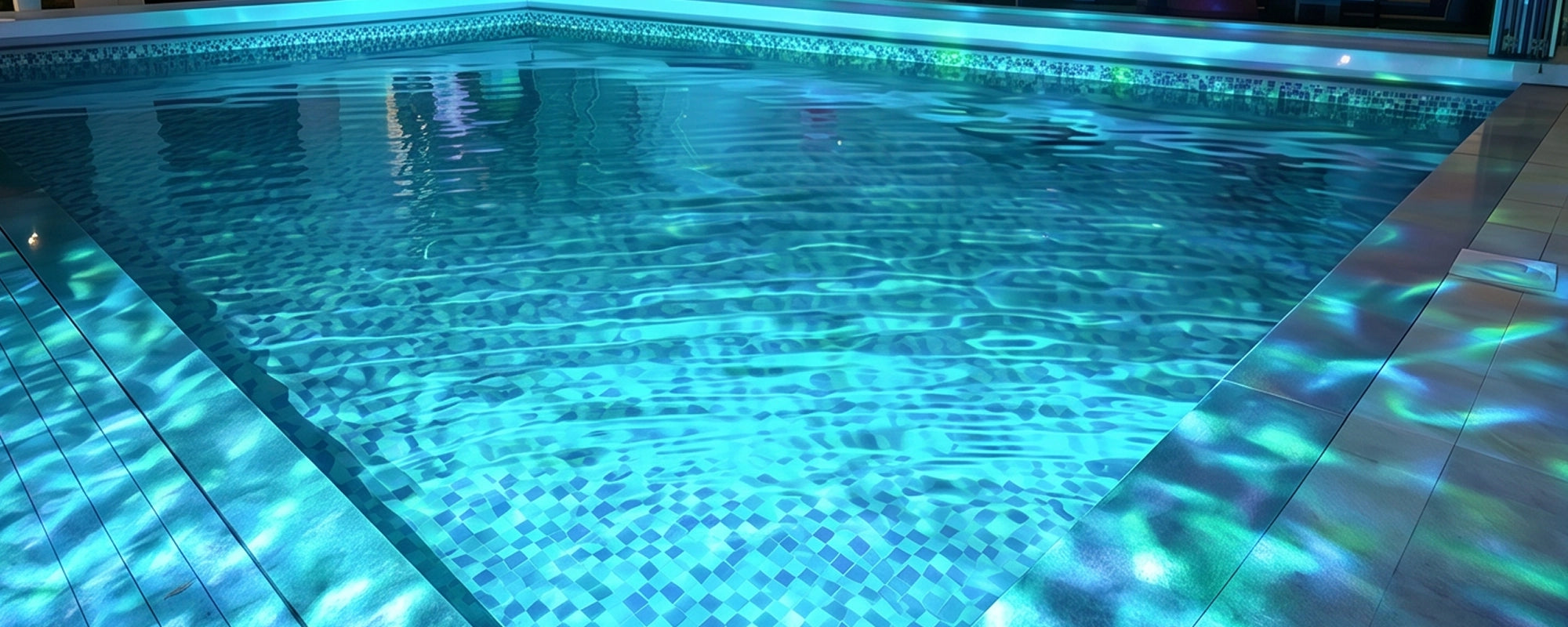
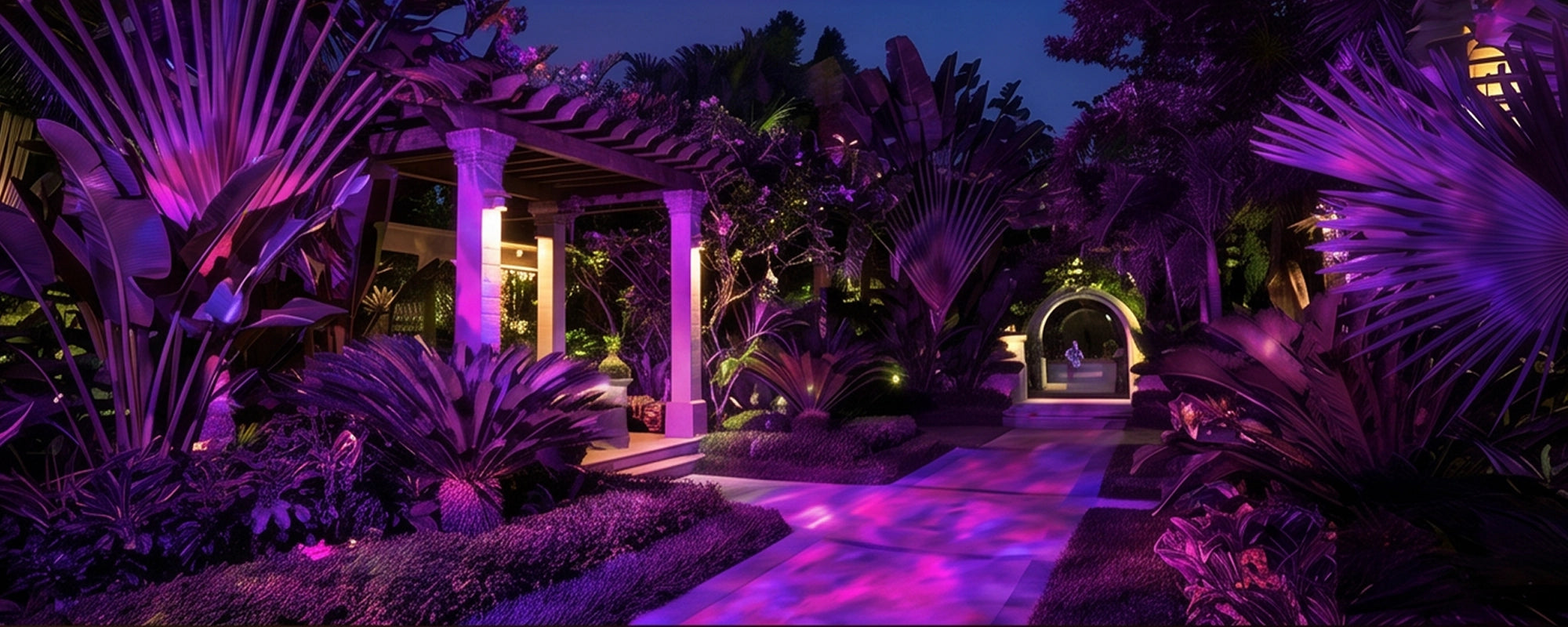
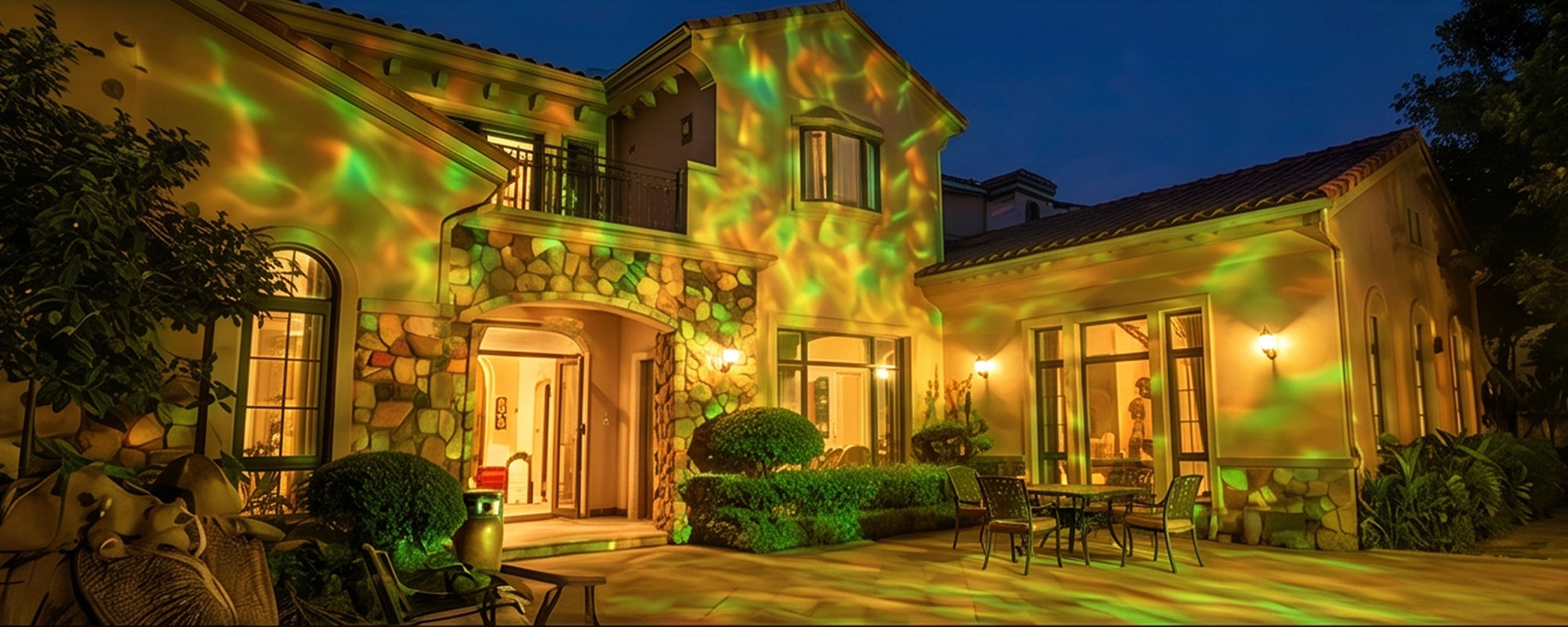
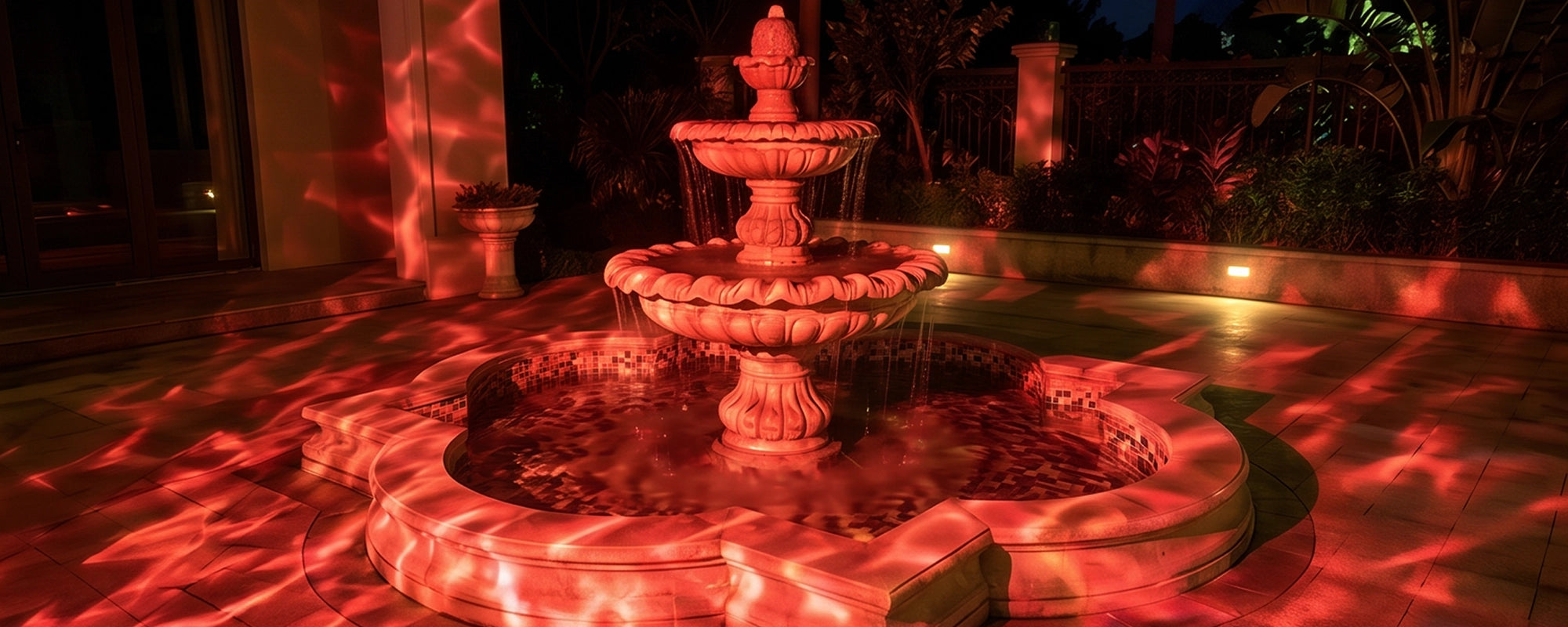
💡 Smart ocean wave projector light – creates stunning ocean ripple effects on pools, walls, or gardens.
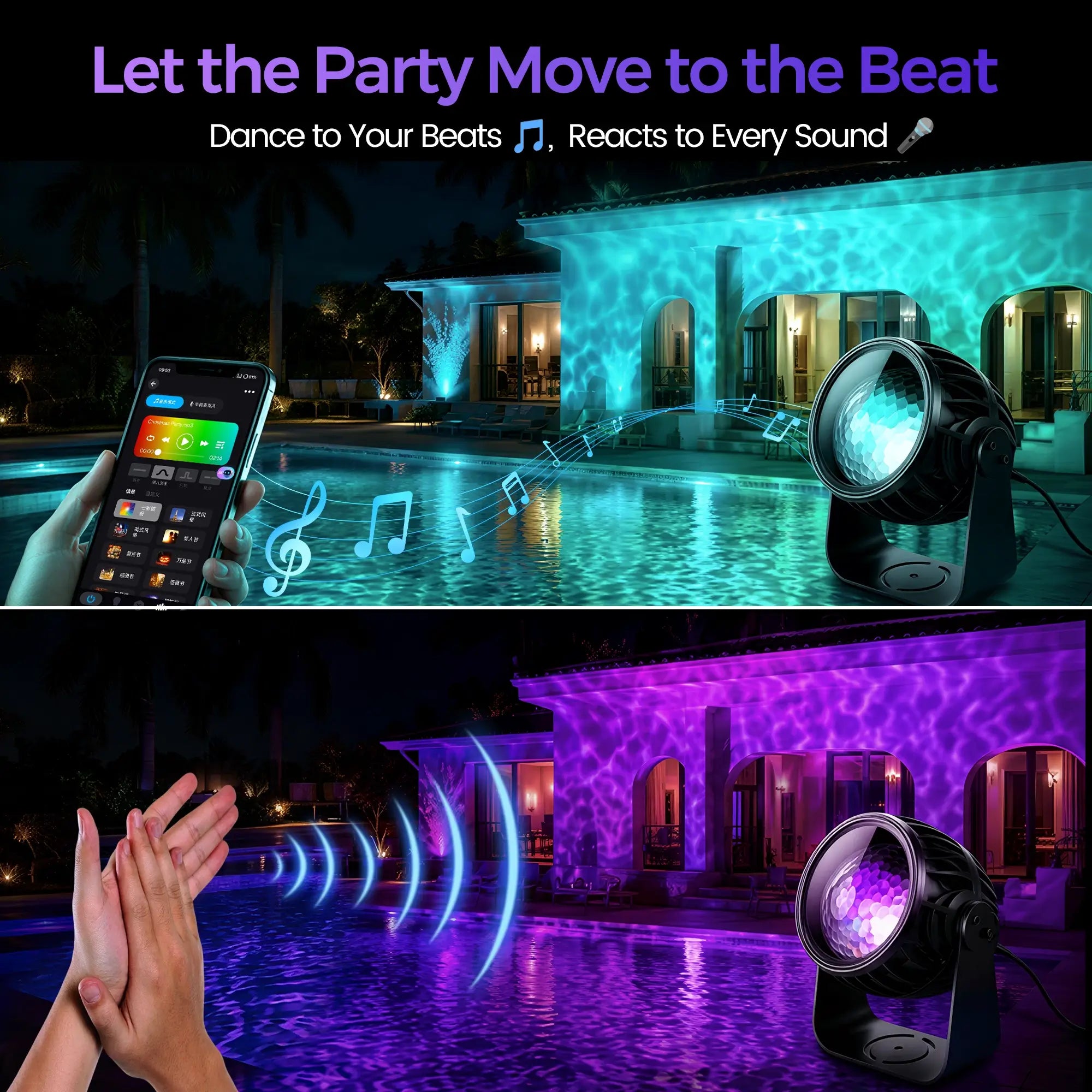
🎵 Music‑sync rhythm mode – lights dance to your favorite tunes via built‑in microphone.
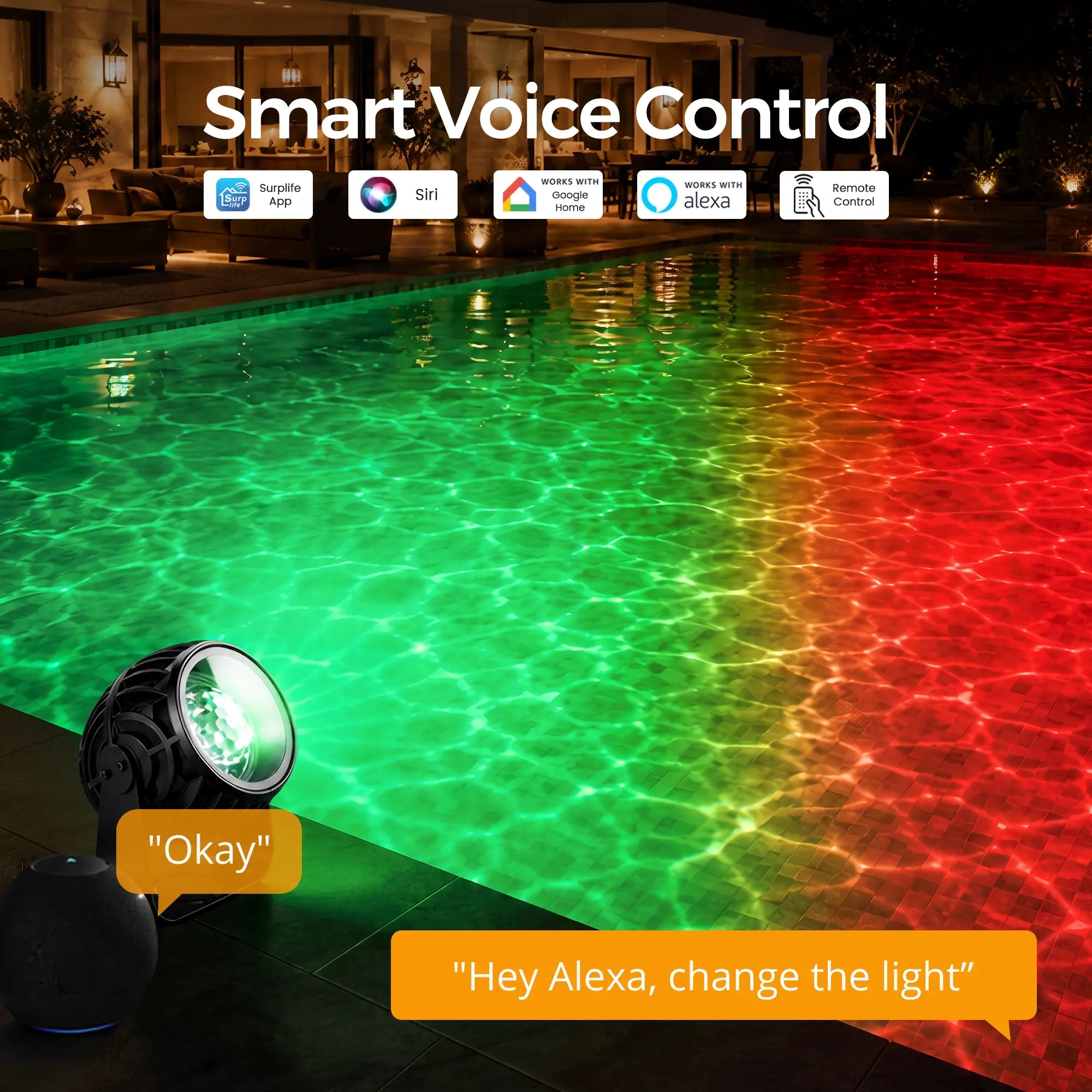
📱 3‑way control – use APP, RF remote, or voice (Alexa/Google Home) for total convenience.
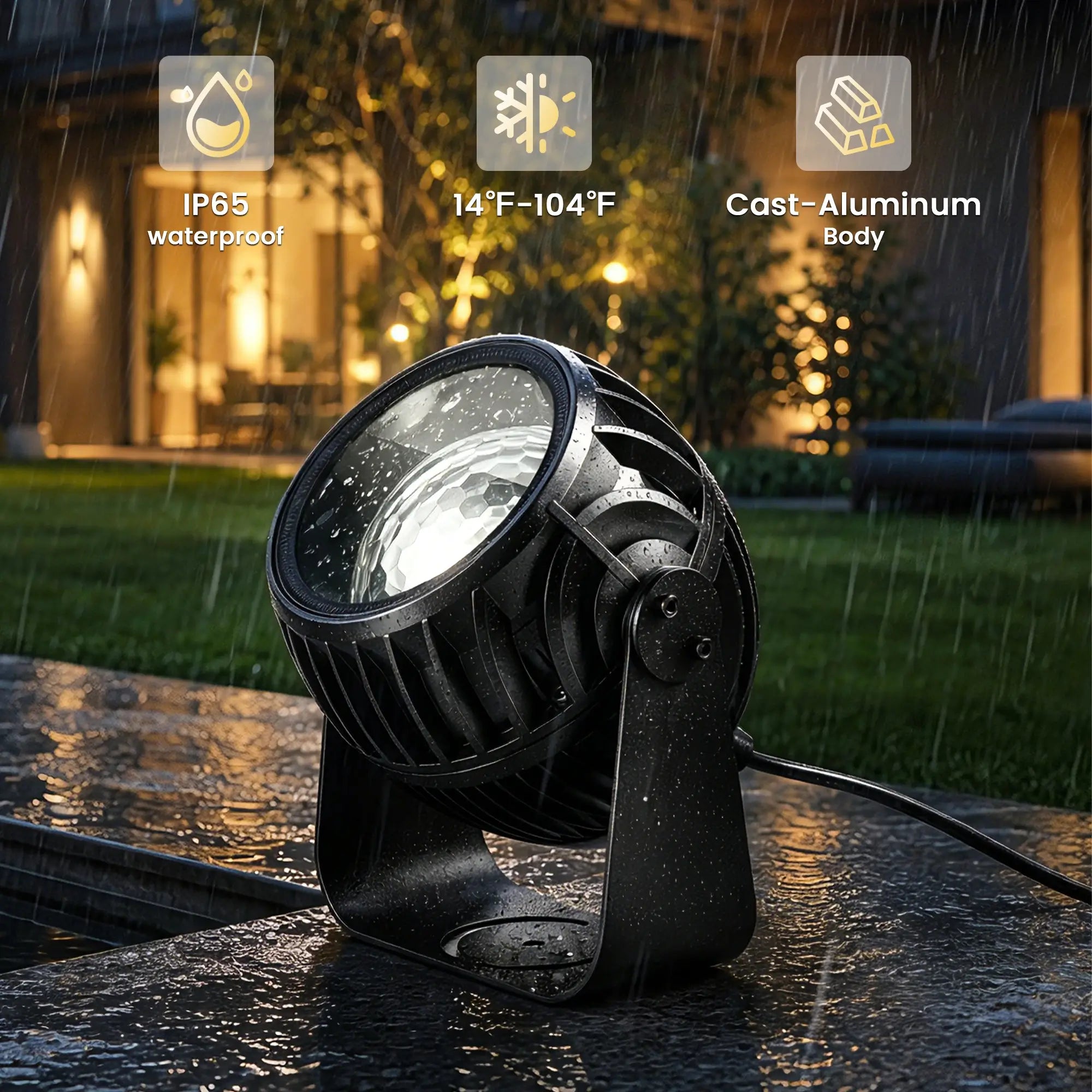
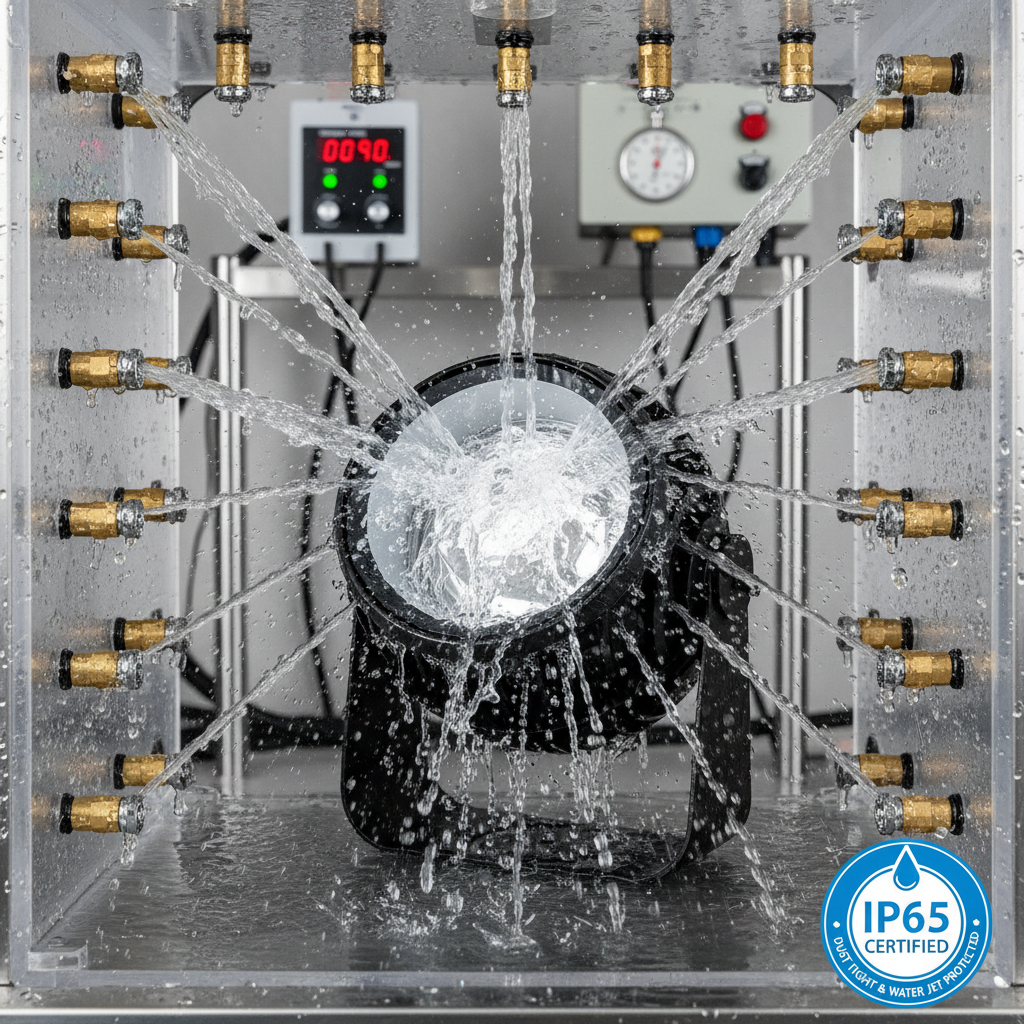
💪 IP65 waterproof & cast‑aluminum body – built tough for all‑weather outdoor use.
⏱️ Timer + group control – schedule ON/OFF and manage up to 50 units together.
Pairs well with
In stock! Ships within 1-2 business days.
30-day risk-free trial
1-Year Warranty
Free shipping over $70
Twelvetooo HW10 Ocean Wave Projector
If you have any questions, you are always welcome to contact us. We'll get back to you as soon as possible, within 24 hours on weekdays.
Information
Questions, concerns, or just exploring? We’re always here to help you enjoy every moment with Twelvetooo.
Shipping information
Free Shipping over $70, more information please click here.
Customer Support
Email Support: Available 24/7
Service@twelevetooo.global
Live Chat: 10:00 AM – 6:00 PM (GMT+8)
US Phone Support: 10:00 AM – 6:00 PM (GMT+8)
+1 213 498 6666
More information please click here.
Dynamic Water Ripple Lighting For Pools, Patios & More

2024
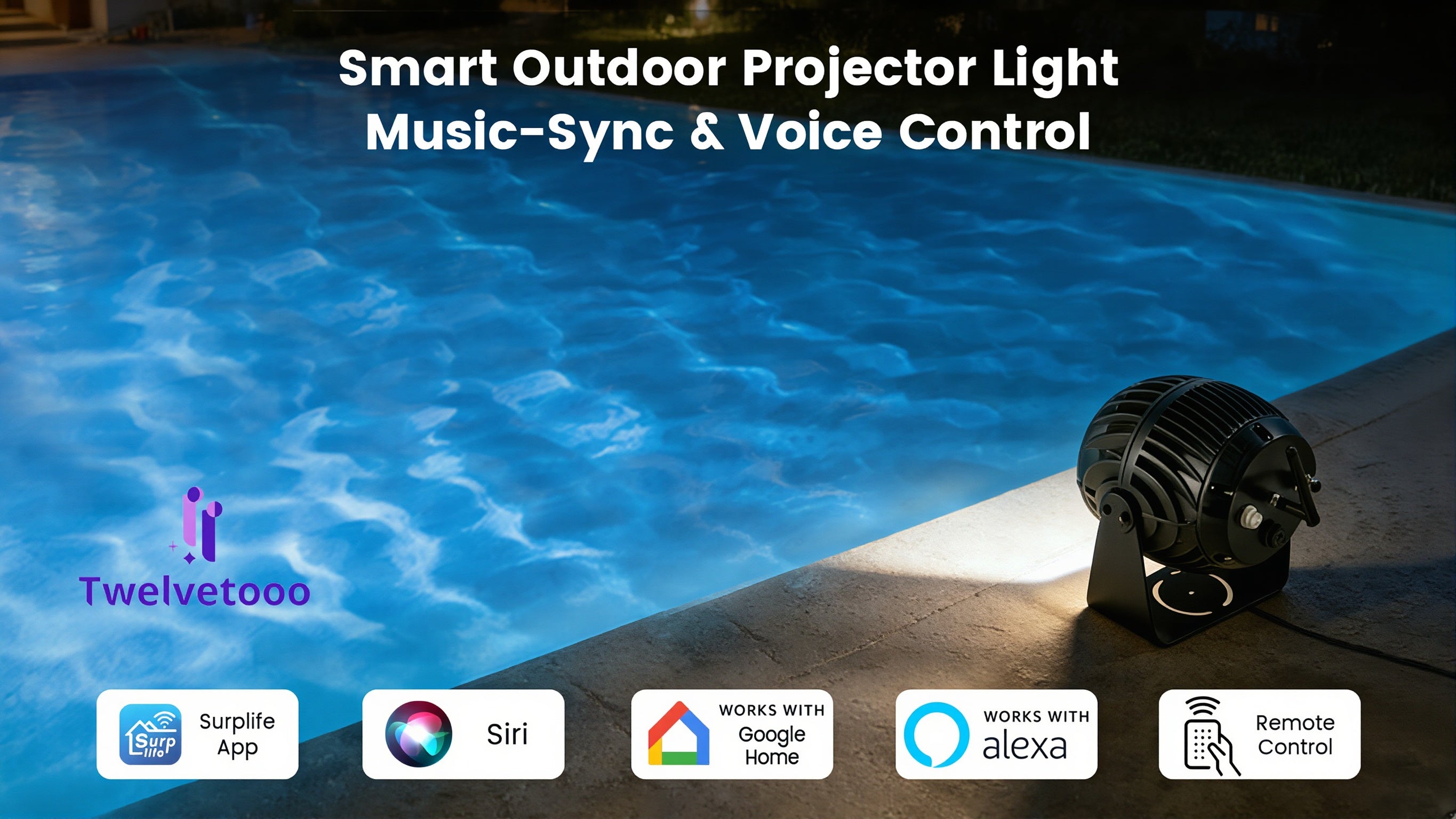
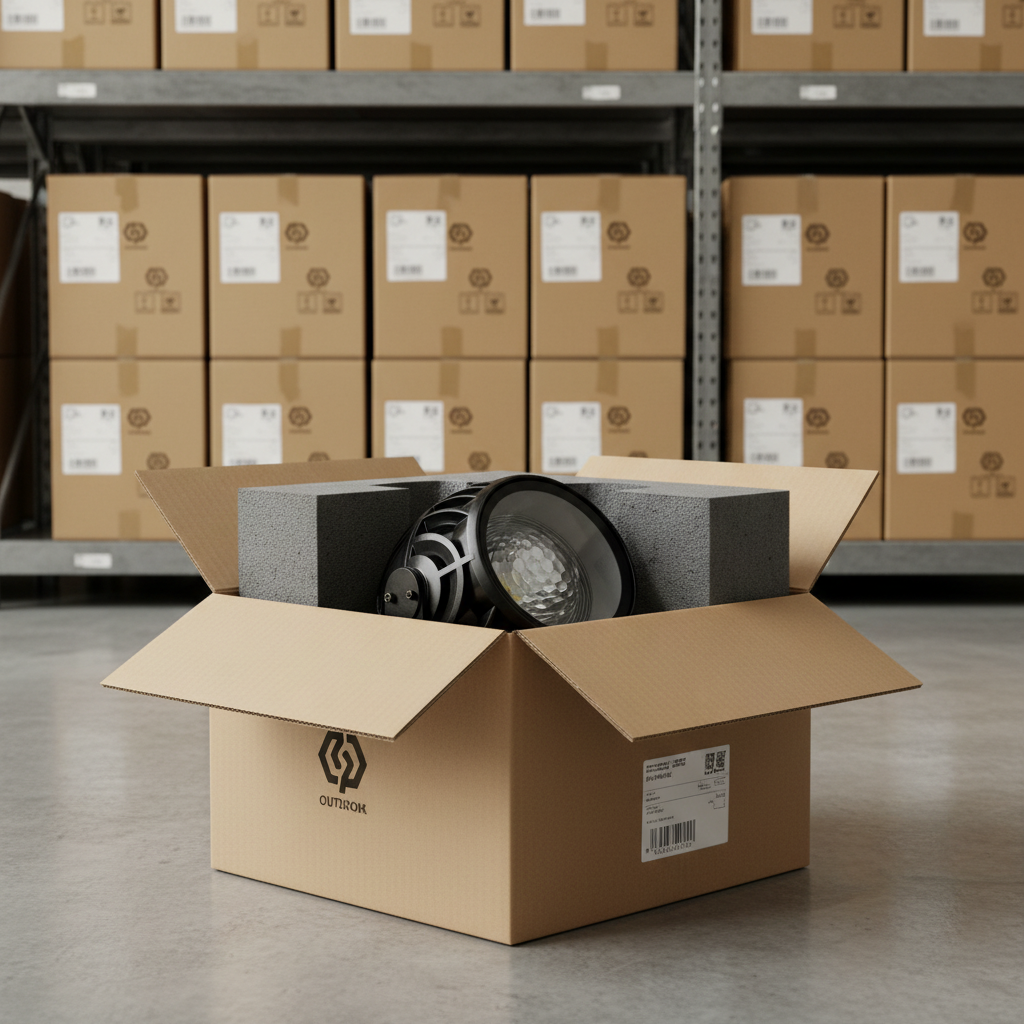
Concept to Ocean Wave Light Projector. Engineered an ocean wave light projector, refining the light projector ocean effect. EVT and tooling ensured above ground swimming pool lights durable. Pool light waterproof by design.
2025
Design validation and pilot production tested our ocean projector and ocean wave projector. Secured CE, ROHS, FCC, UL, and GS certifications for every ocean light projector.
2026
Hit our goal and moved to mass production. Every projector ocean wave unit certified with CE, ROHS, FCC, UL, GS. Our ocean wave light ships now for above ground pools.
Now
Our Kickstarter campaign is complete — and HW07 is now live on our official website. The same ocean wave light projector that 40 backers trusted is now ready for you. CE, ROHS, FCC, UL, GS certified. In stock. Shipping worldwide. No wait. No crowdfunding uncertainty. Just a premium ocean projector, ready to transform your pool.









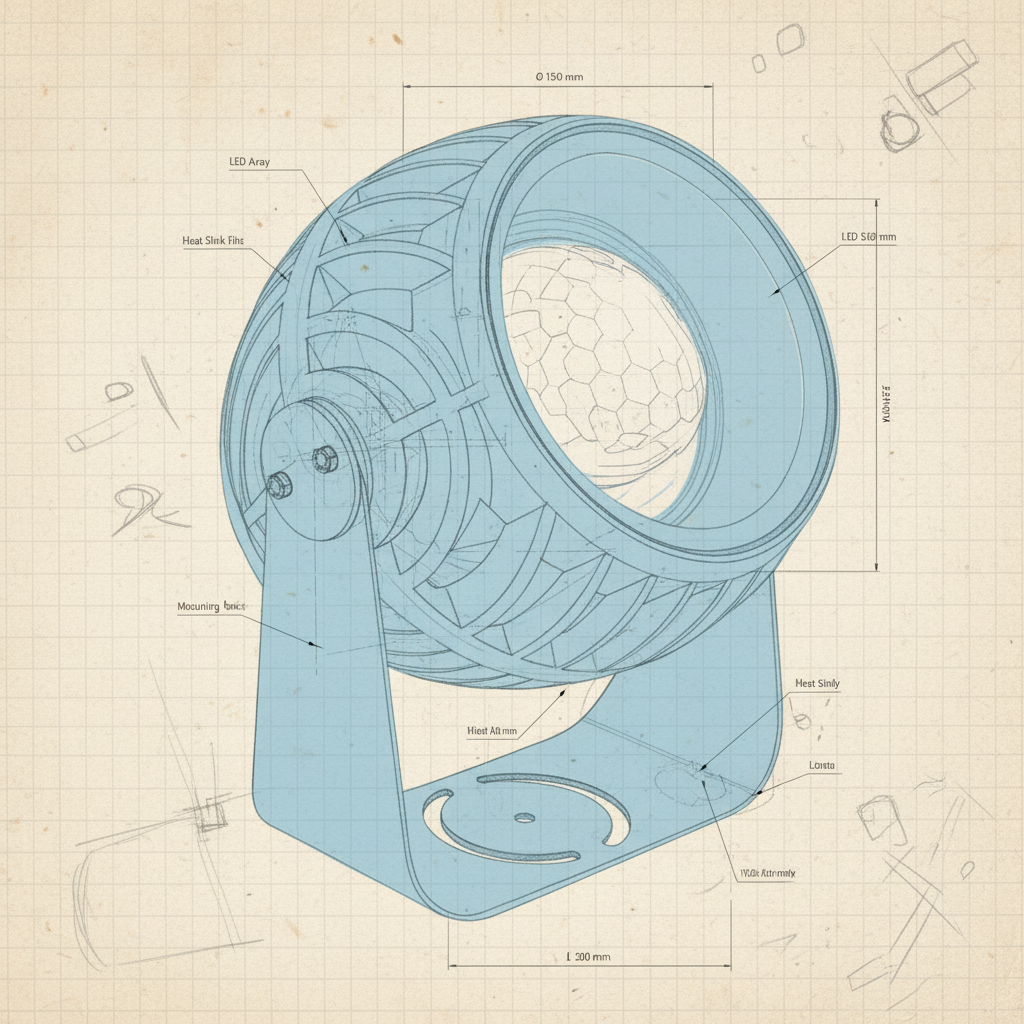
Built-in mic captures live sound — colors pulse and shift in real time. Perfect for parties, performances, or any moment that needs energy. Surplife app gives you 1,000+ colors and smooth dimming to match every vibe.

Surplife app delivers custom scenes instantly — holiday themes, ripple colors, flow speeds, all adjustable. Whether it's Halloween drama or birthday energy, your ocean wave projector fits the moment. No complexity. Just one tap.

Alexa, Google Home, Siri, or Surplife app — HW10 answers every time. Use whichever is closest. 2.4G Wi-Fi keeps response instant and stable. No fumbling. No delays. Just light, exactly when you want it.
See how others light up their parties. Tag @Twelvetooo to be featured.
Free shipping and returns
Please read our FAQs page to find out more.
HW10 is designed for indoor and covered outdoor use(e.g., patios, gardens, building facades). Please note: the product itself is not fully submersible. For outdoor use, place it in a dry, sheltered location away from direct rain or sprinklers. Operating temperature range: 14°F ~ 104°F (-10°C ~ 40°C)
HW10 only supports 2.4 GHz Wi-Fi networks. Please ensure your router is broadcasting a 2.4 GHz signal (not 5 GHz). During setup, open the Surplife App, tap "Add Device," select your 2.4 GHz network, and enter your password. If connection fails, try restarting both the device and your router.
First, check that the remote has a battery installed. To pair or re-pair the remote: press and hold the remote button for more than 6 seconds — the light will flash to confirm pairing. To unpair, press and hold for more than 6 seconds again. If issues persist, replace the remote battery.
HW10 does not retain custom settings (e.g., wave effect off, color mode) after power-off. When powered back on, it defaults to the last active mode. We recommend using the Timer function to schedule automatic on/off times so your preferred settings are active when you need them.
Projection brightness and clarity depend on surface color and distance. Dark surfaces (e.g., dark bricks, dark garage doors) absorb light and reduce visibility. For best results, project onto light-colored, flat surfaces (white walls, light facades, pool surfaces) within the recommended projection area of 538–2,153 sq.ft (50–200 m²). Also check that the projection lens is clean.
Yes. While the primary controls are via the Surplife App, voice assistants (Alexa, Google Home, Siri), and the included remote, the device also features a manual control button on the unit itself. Pressing this cycles through modes — useful if you've misplaced the remote.
Use the included wrench to loosen the screws on both sides of the bracket. Adjust the angle to your desired position, then tighten the screws again to secure. Do not force the bracket beyond its range of motion.
The timer offers preset auto-off durations: 1H / 2H / 4H / 6H / 8H. After the set time, the device will turn off and automatically restart after 23/22/20/18/16 hours respectively(in a cycle). To cancel the timer and prevent auto-shutdown, use the "Timer OFF" function on the remote.
First, check that the power adapter is securely connected and the outlet is functional. HW10 requires AC 110V–240V, 50Hz–60Hz power supply. If using an adapter outside this range, use a voltage regulator. If the device still doesn't power on, contact Surplife customer support — do not attempt to open or repair the unit yourself, as the light source is non-replaceable.
Yes. HW10 is compatible with Amazon Alexa, Google Home, and Apple Siri via the Surplife App. Once set up, you can control the light with voice commands — no need to reach for your phone or remote.


