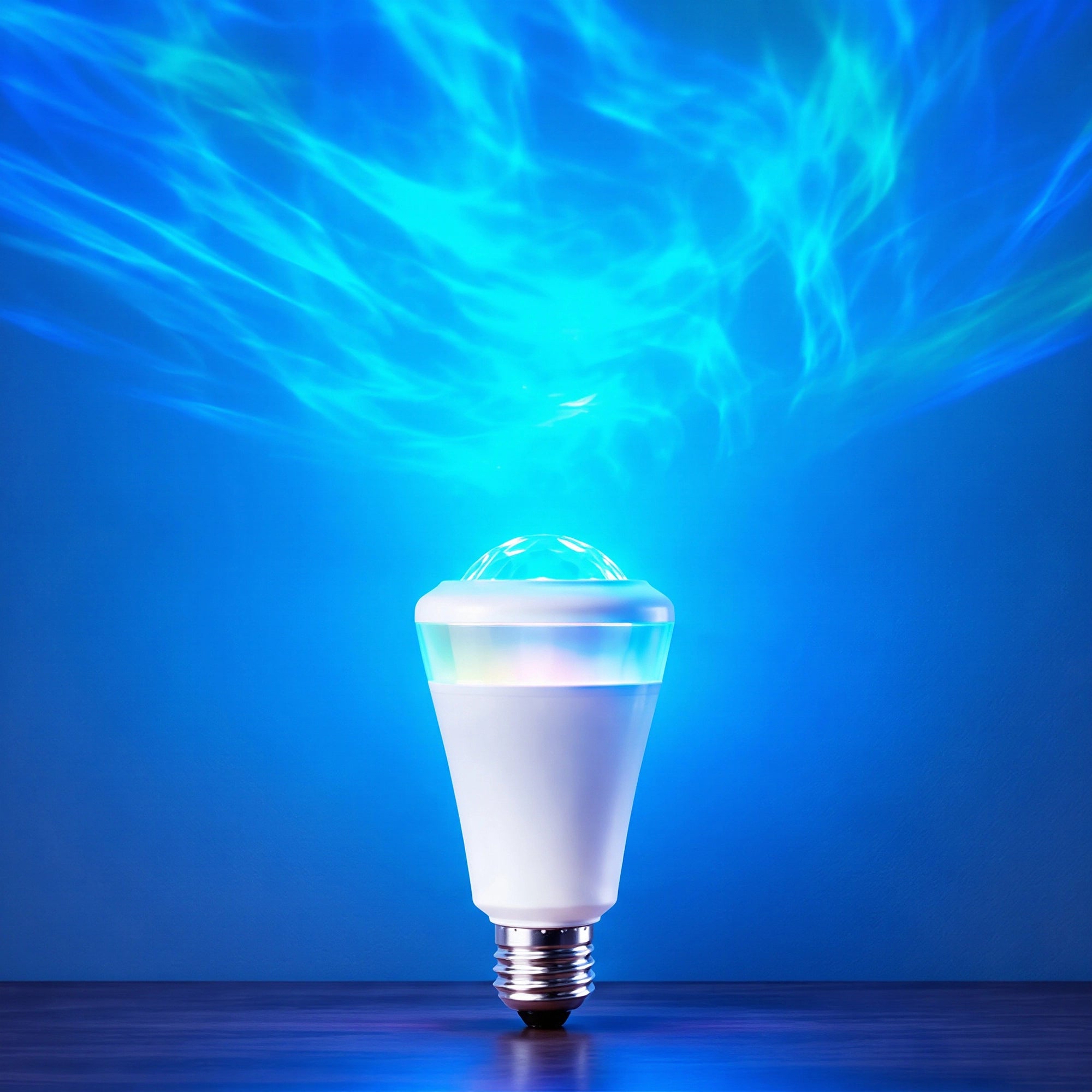
Twelvetooo Smart Projection Bulb
Sale price$34.99Regular price
$49.00
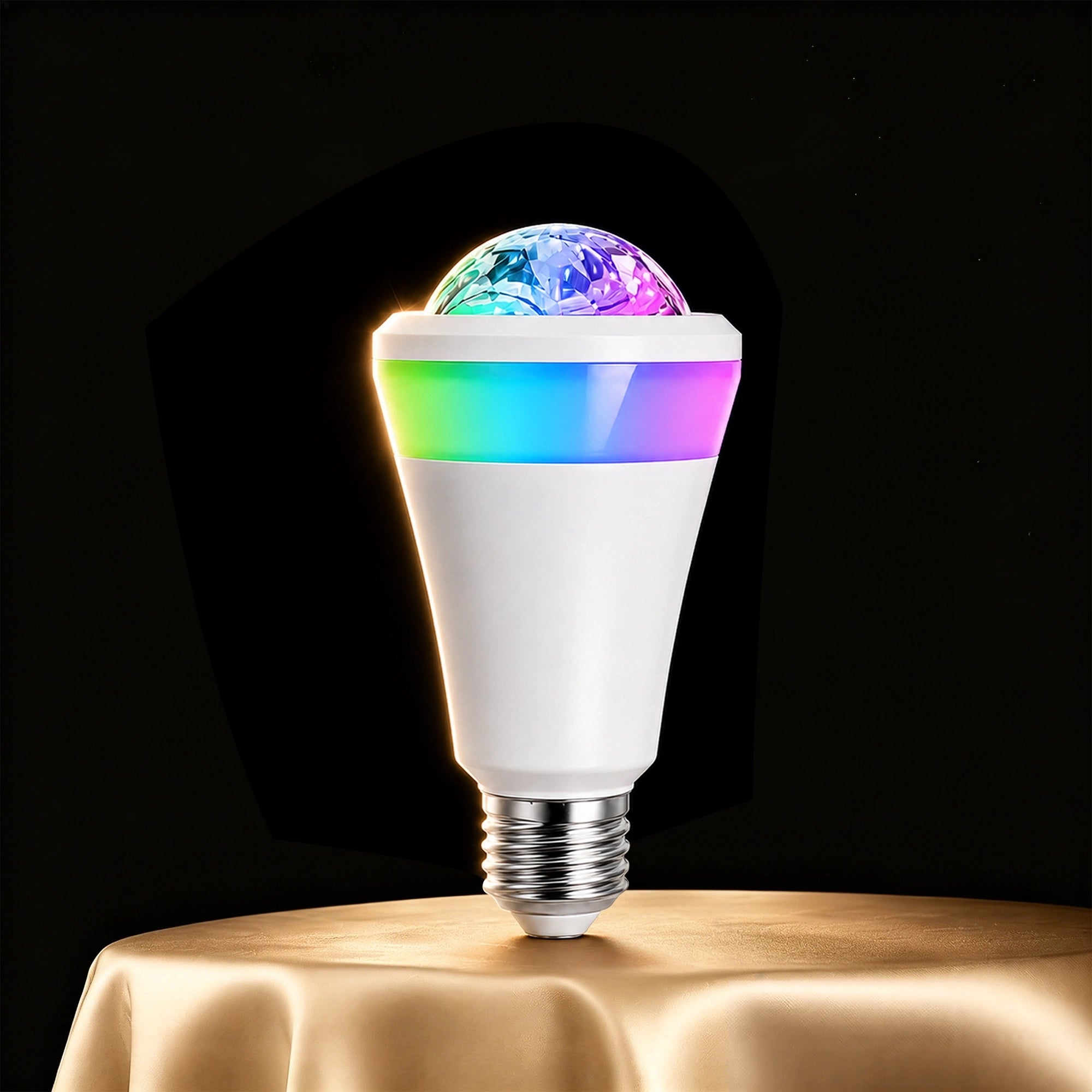
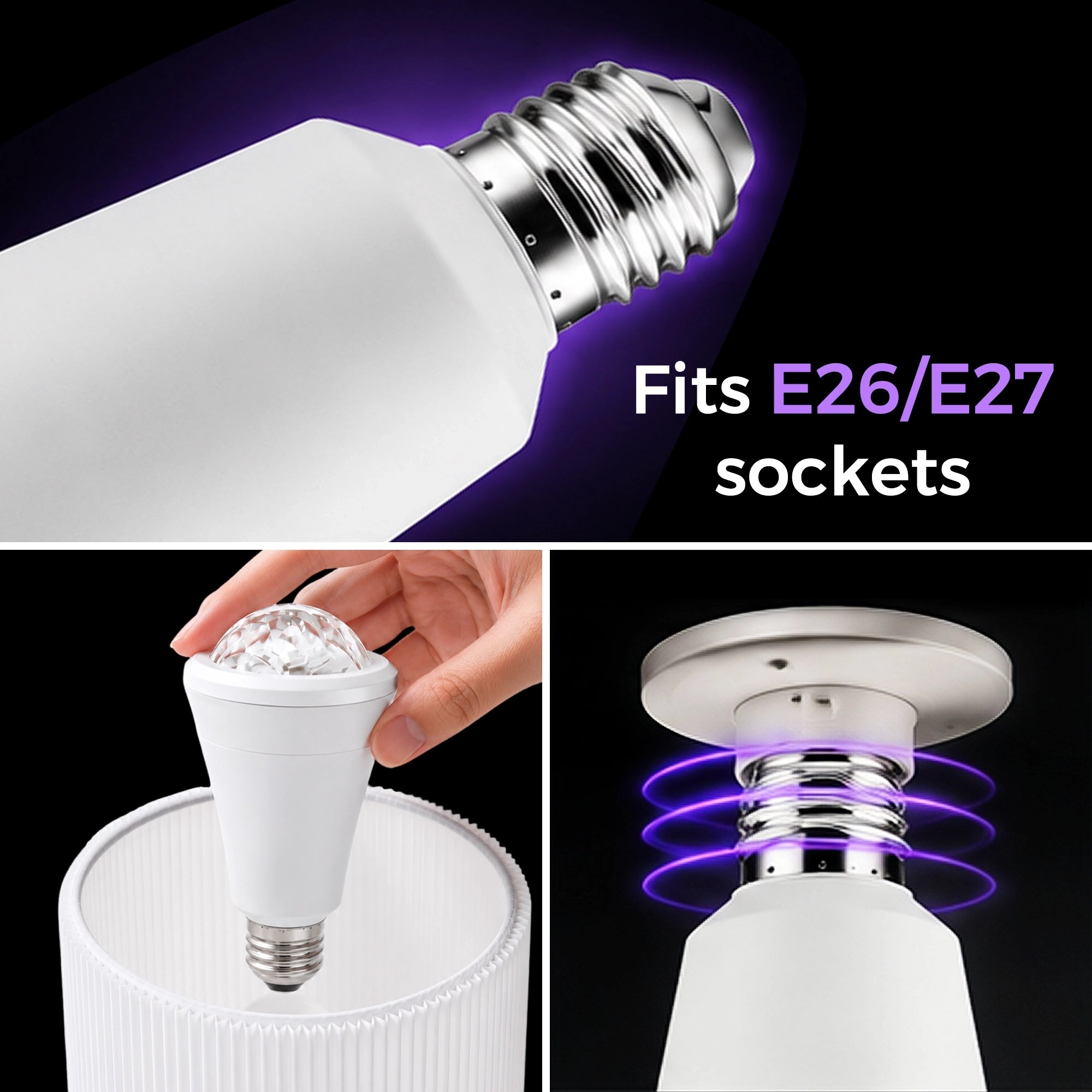
🌌 Smart aurora projection bulb – fits any E26/E27 lamp to create immersive flowing aurora light shows.
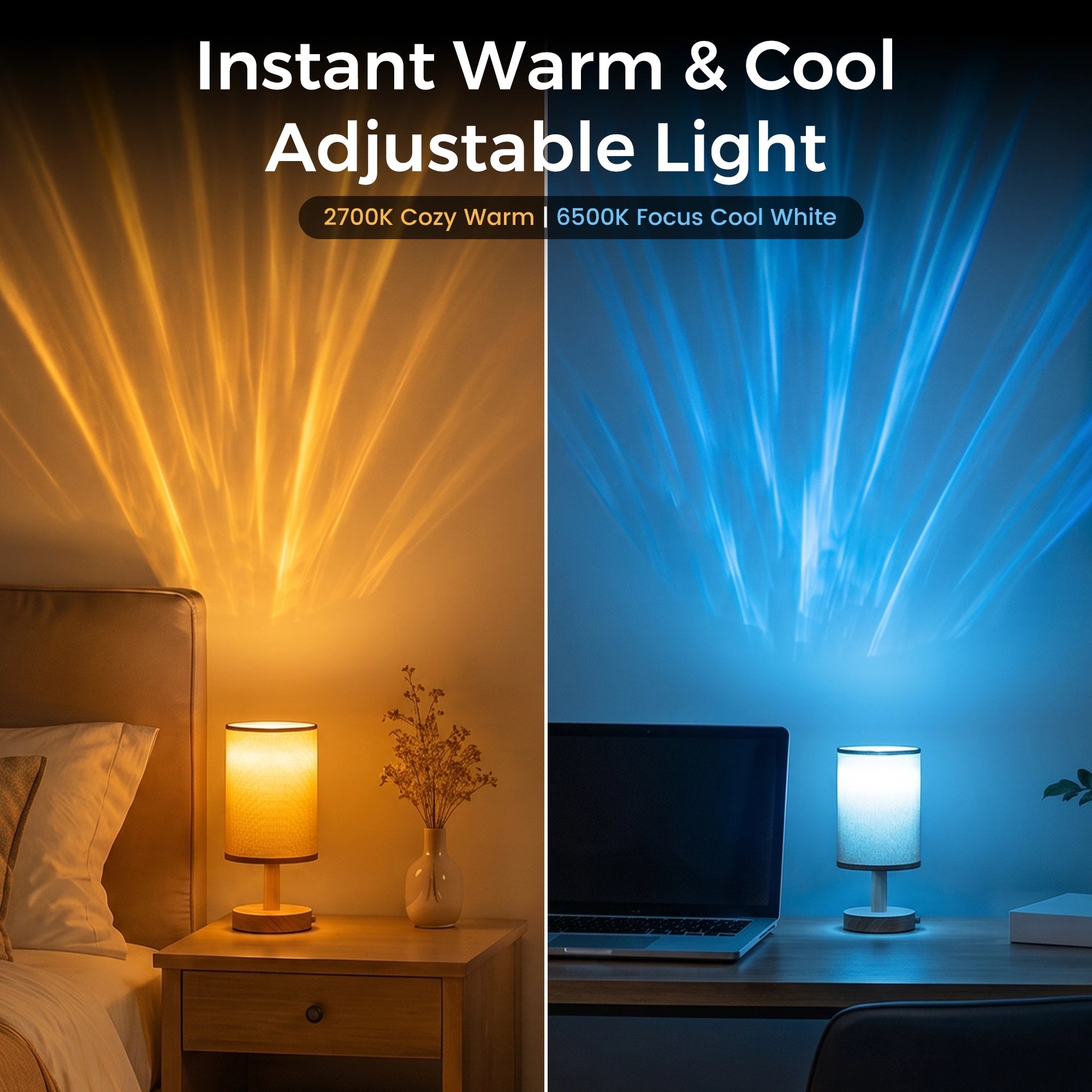
🌈 16M rich colors & smooth dimming – instant warm/cool light adjustment with endless color options.
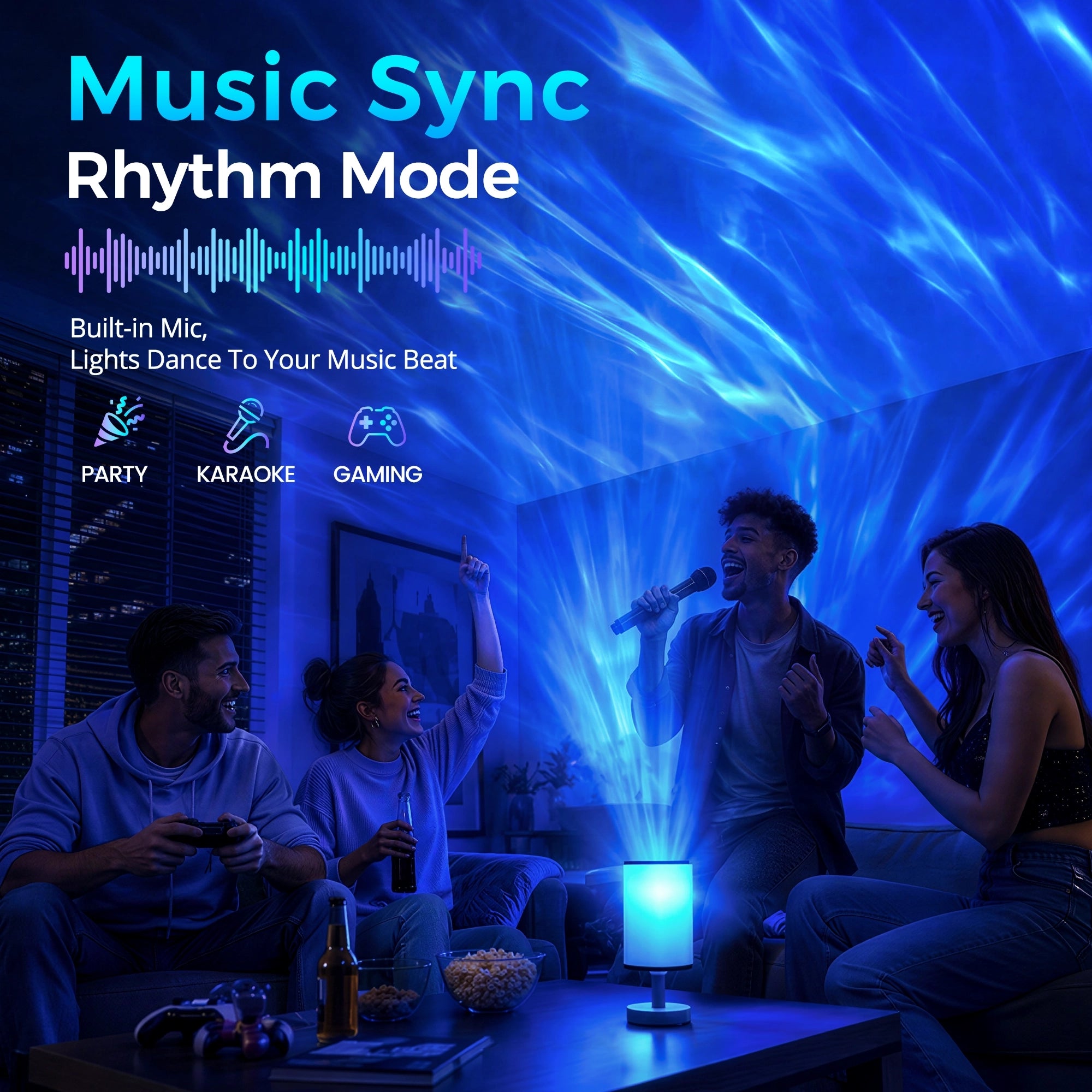
🎵 Music-sync rhythm mode – light effects auto shift to match music beats.
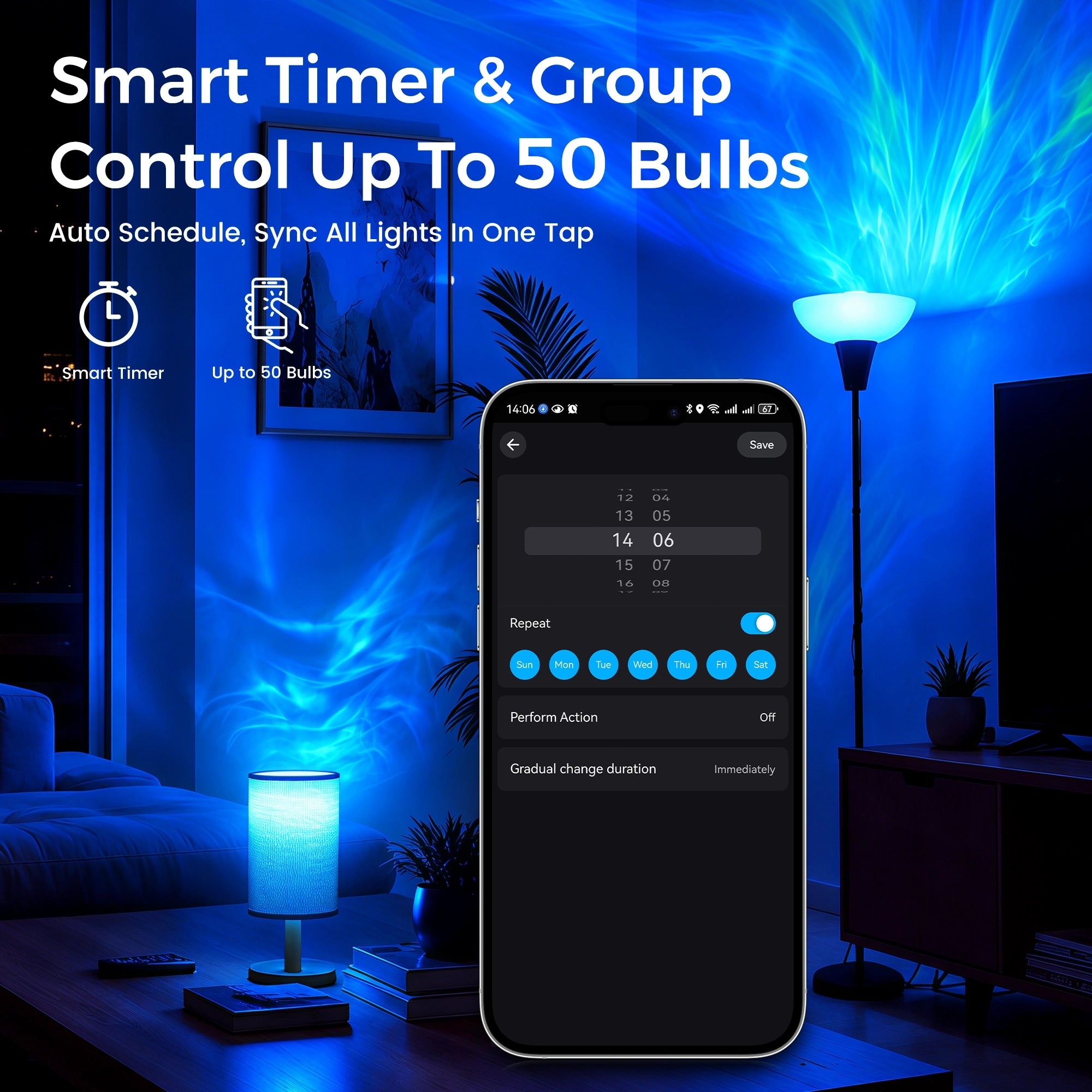
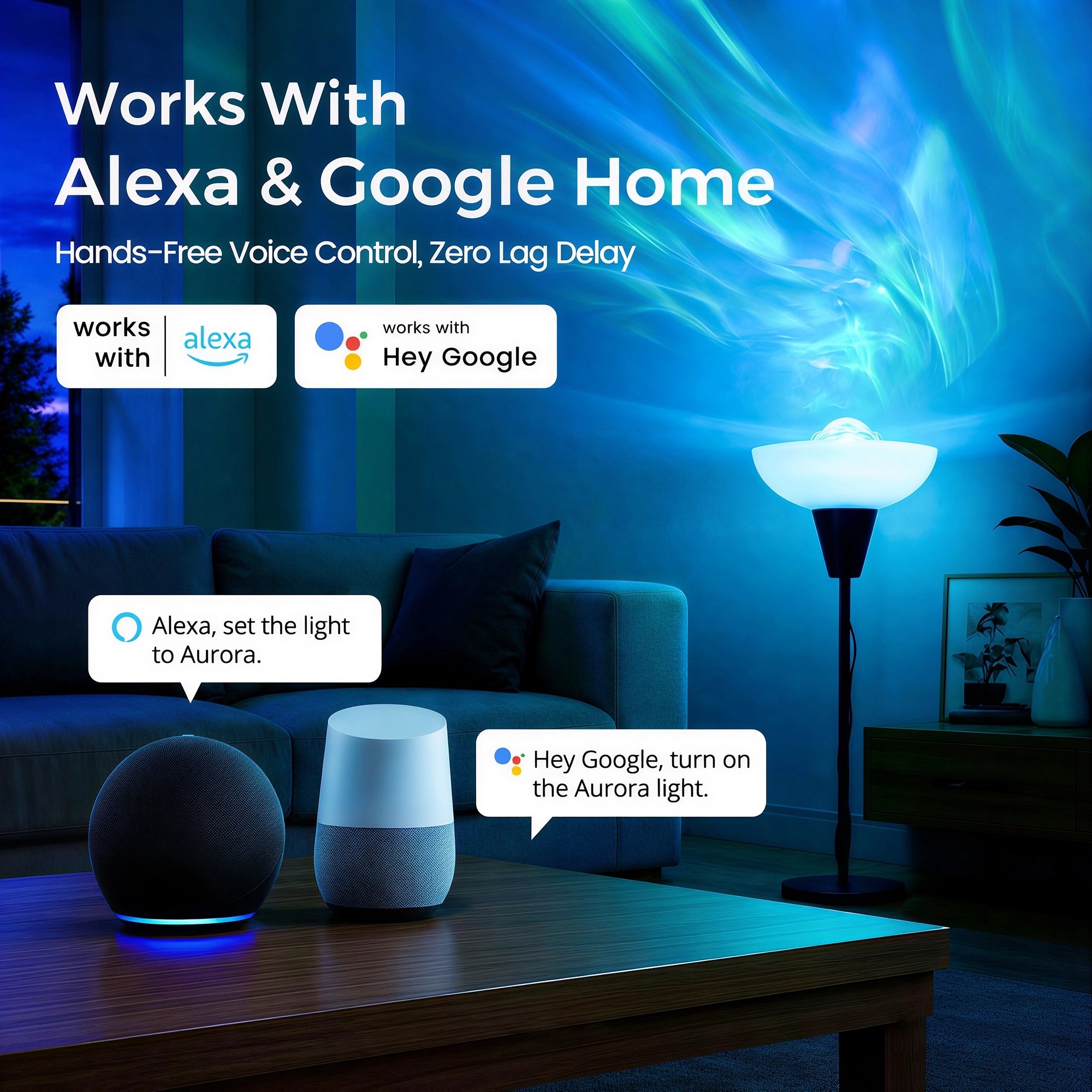
📱 All-in-one smart control – APP, Alexa/Google Home voice control, group manage up to 50 bulbs.
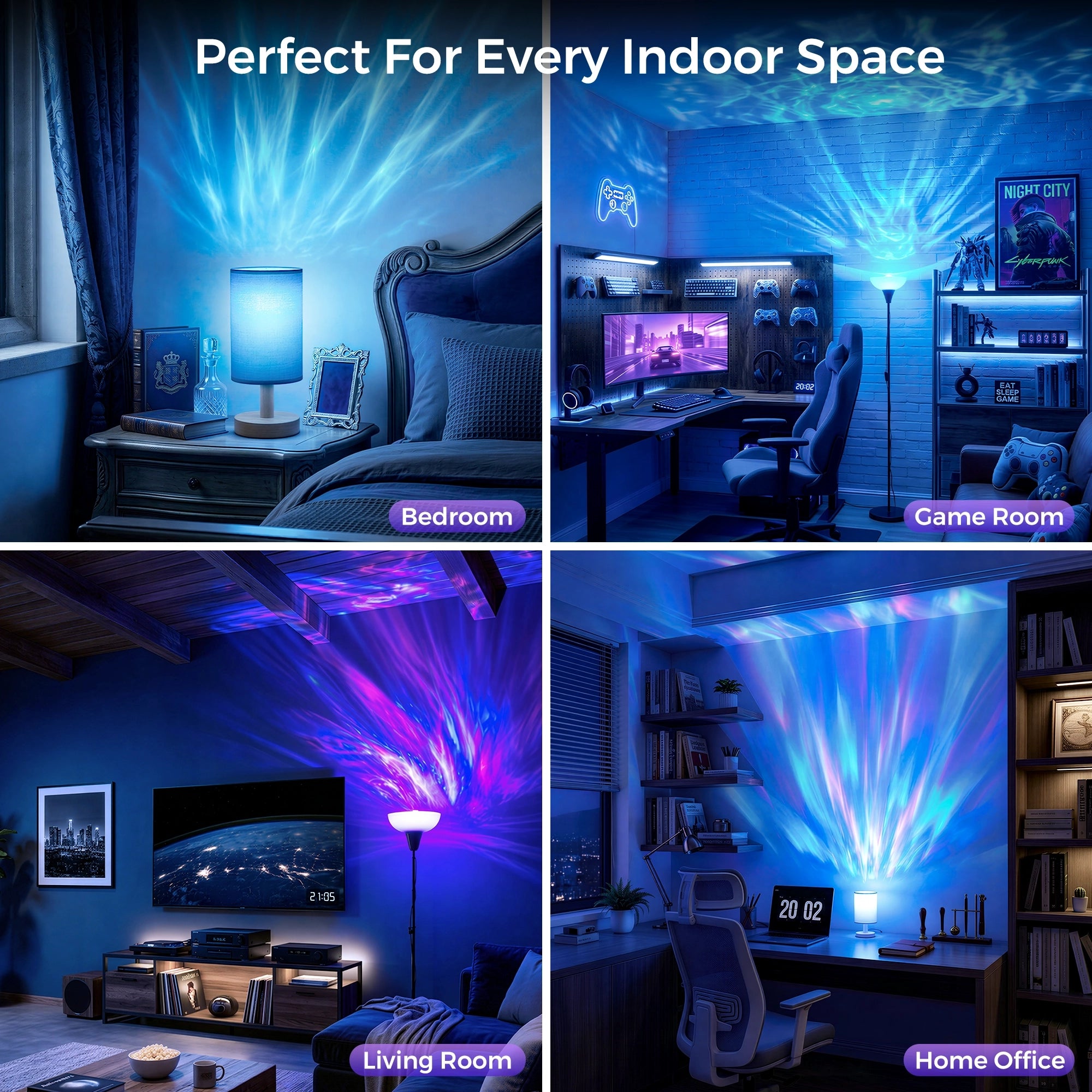
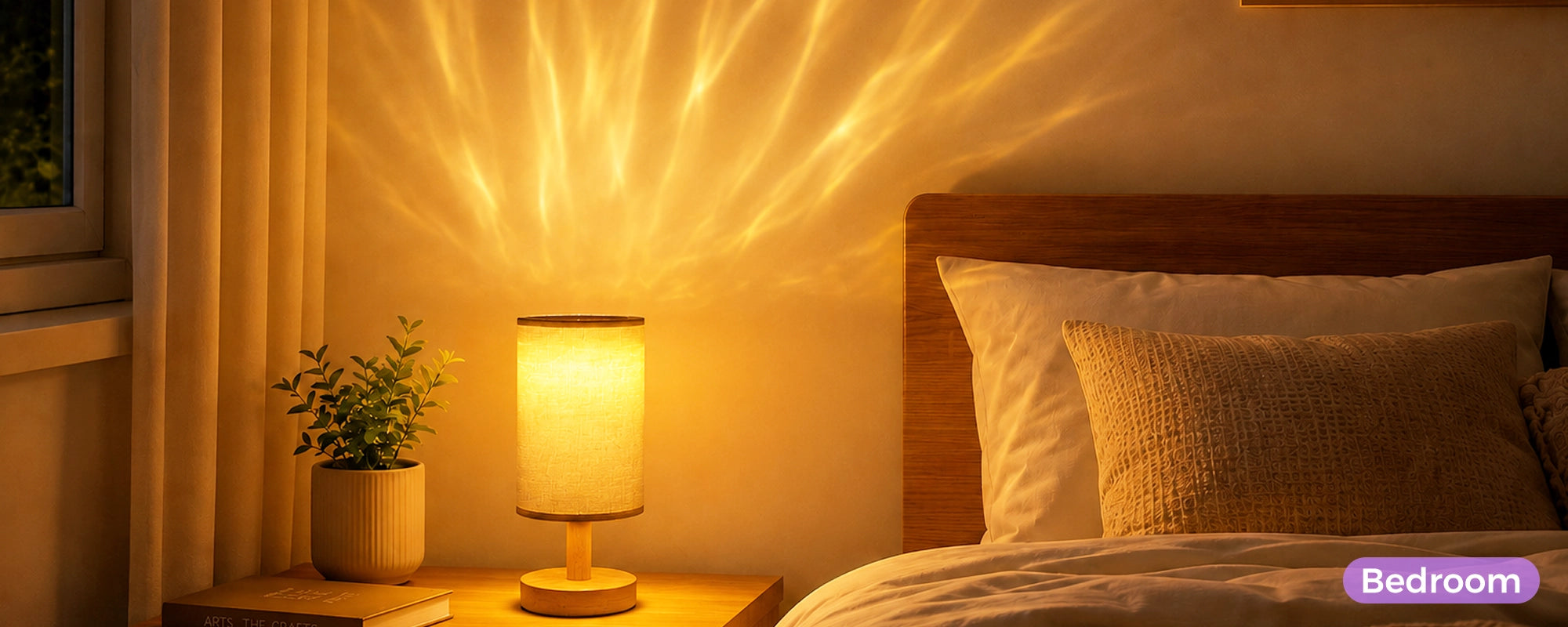
🏠 Plug-and-play universal bulb design – easy setup for bedrooms, living rooms and party scenes.
✦ Amazon Verified Brand | 🛡 Official Site · Best Price
Pairs well with
In stock! Ships within 1-2 business days.
30-day risk-free trial
1-Year Warranty
Free shipping over $70
Twelvetooo Smart Projection Bulb
E26 / 1 Pack
Sale price$34.99Regular price
$49.00
If you have any questions, you are always welcome to contact us. We'll get back to you as soon as possible, within 24 hours on weekdays.
-
Information
Questions, concerns, or just exploring? We’re always here to help you enjoy every moment with Twelvetooo.
-
Shipping information
Free Shipping over $70, more information please click here.
-
Customer Support
Email Support: Available 24/7
Service@twelevetooo.global
Live Chat: 10:00 AM – 6:00 PM (GMT+8)
US Phone Support: 10:00 AM – 6:00 PM (GMT+8)
+1 213 498 6666
More information please click here.
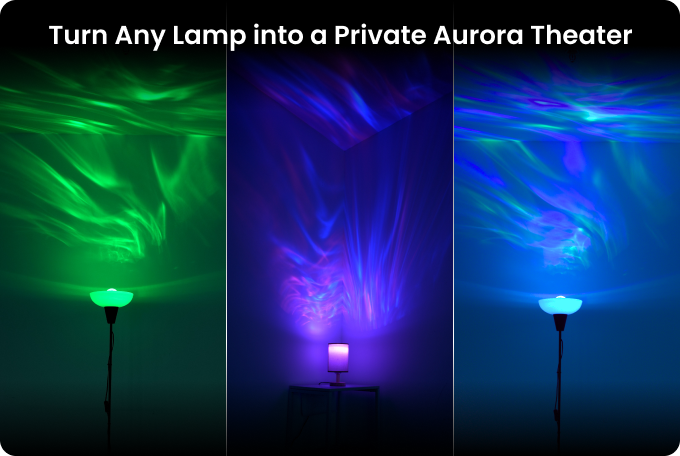


Turn Any Lamp Into A Private Aurora Theater
Twelvetooo Smart Projection Bulb redefines ordinary smart lighting.
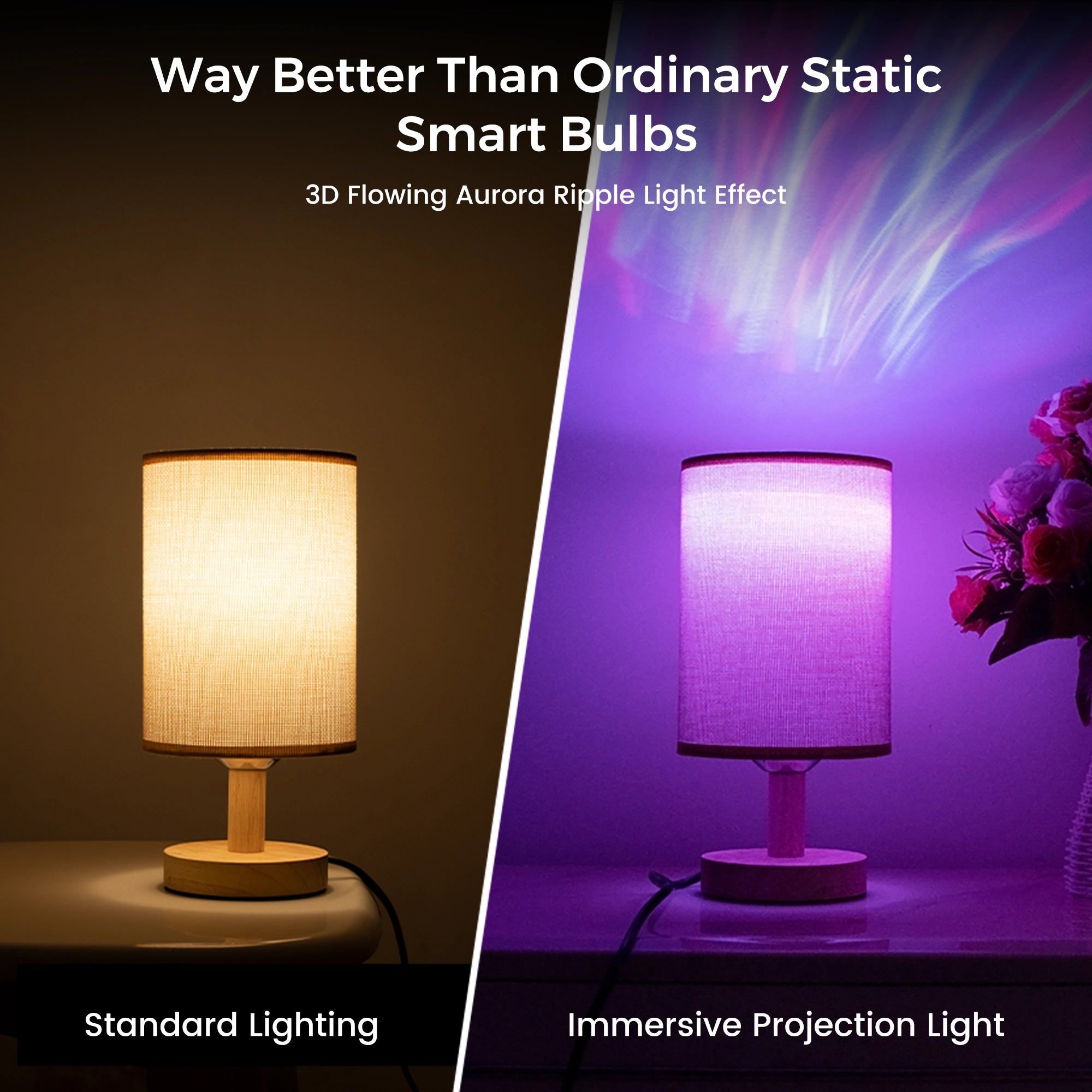
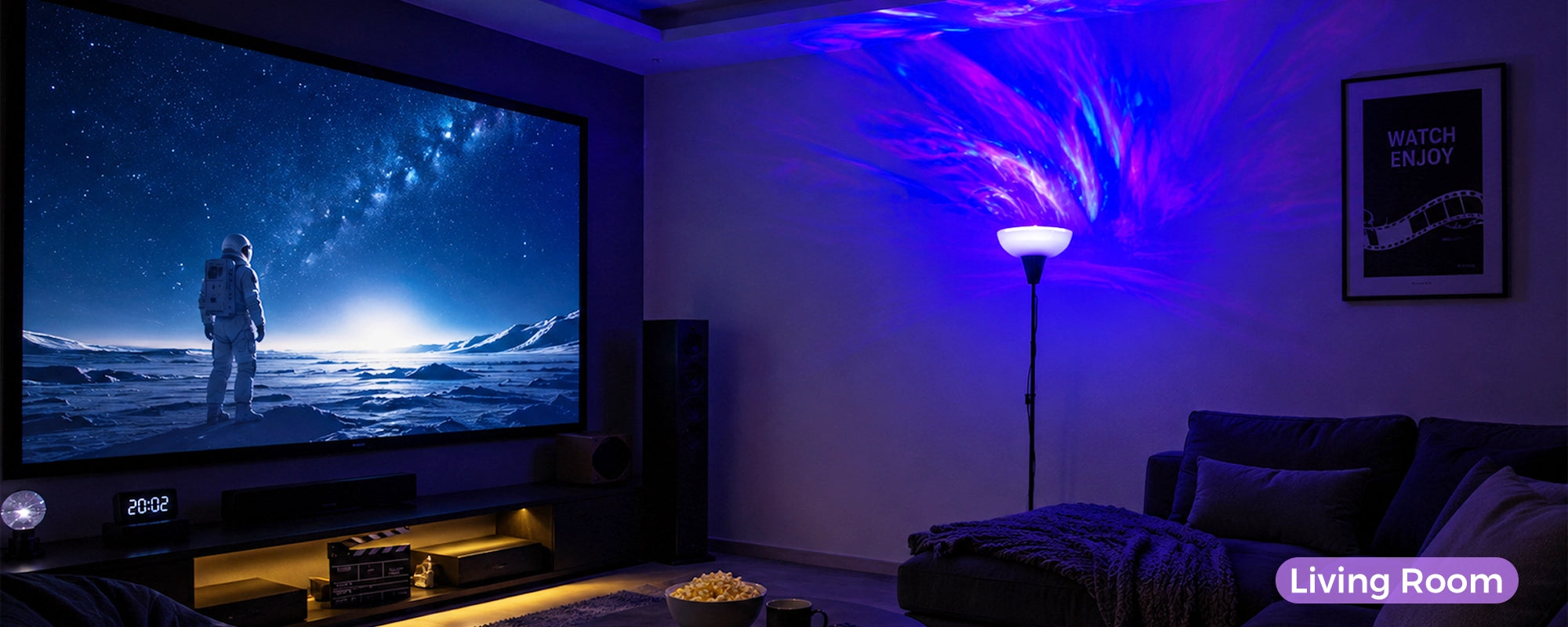
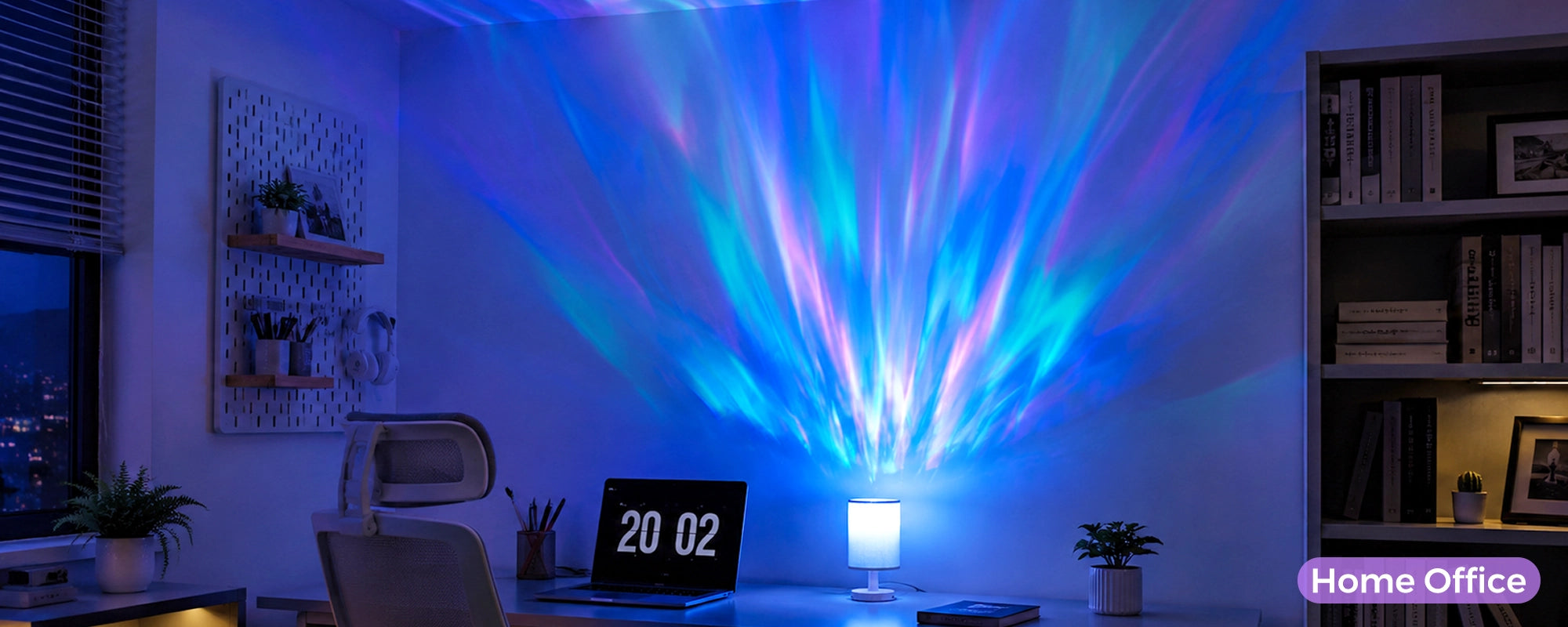
It casts flowing dynamic aurora ripples across walls and ceilings, turning any room into an immersive light theater.
Simply swap your old bulb — no extra projectors or messy setup — and enjoy soft swirling aurora for relaxation, movie nights & parties, with stunning moving light effects you can’t get from regular bulbs.

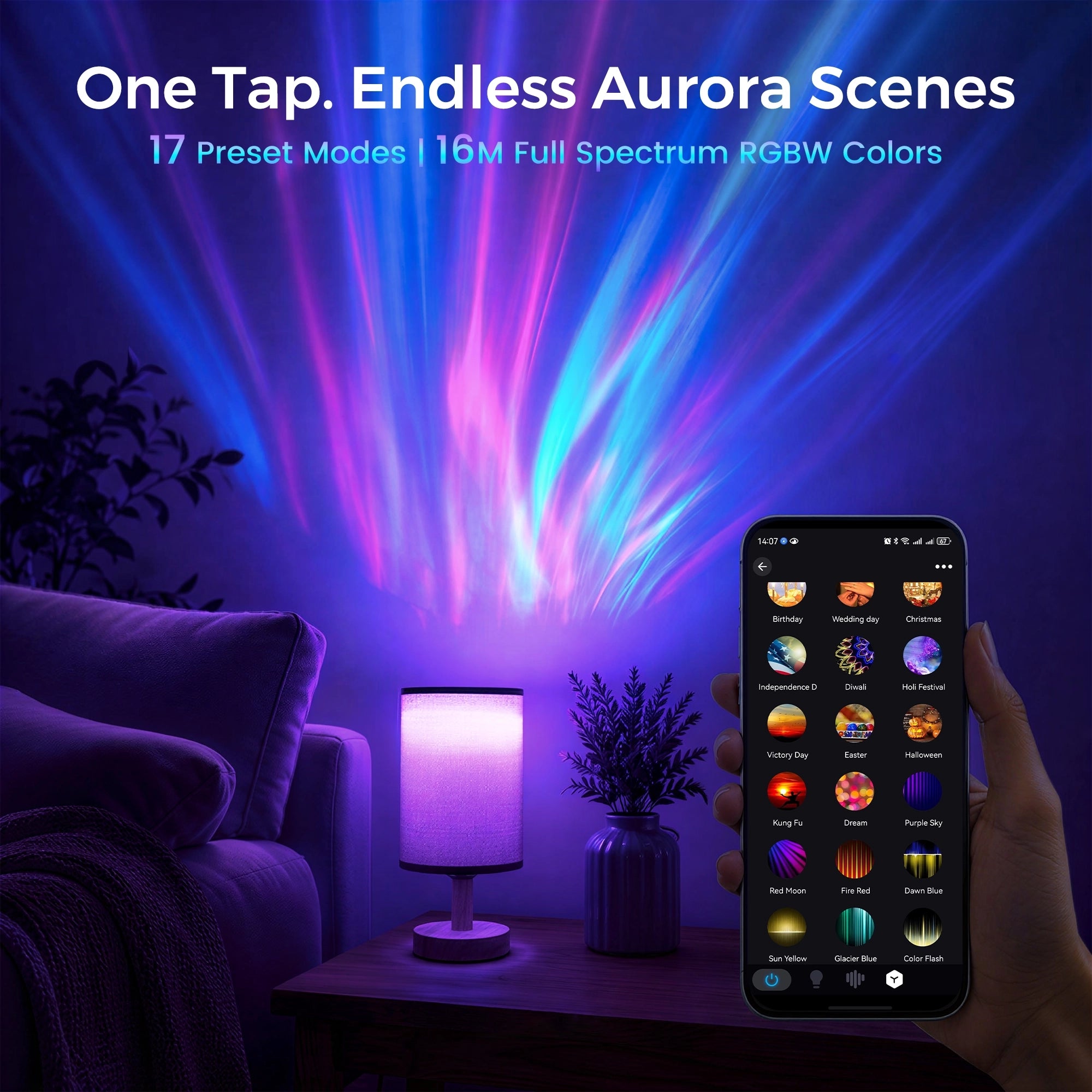
One Tap. 17+ Custom Aurora Scenes
The SurpLife App unlocks fully adjustable light modes in one tap — aurora flow speed, 16M colors and color temperature are all customizable.
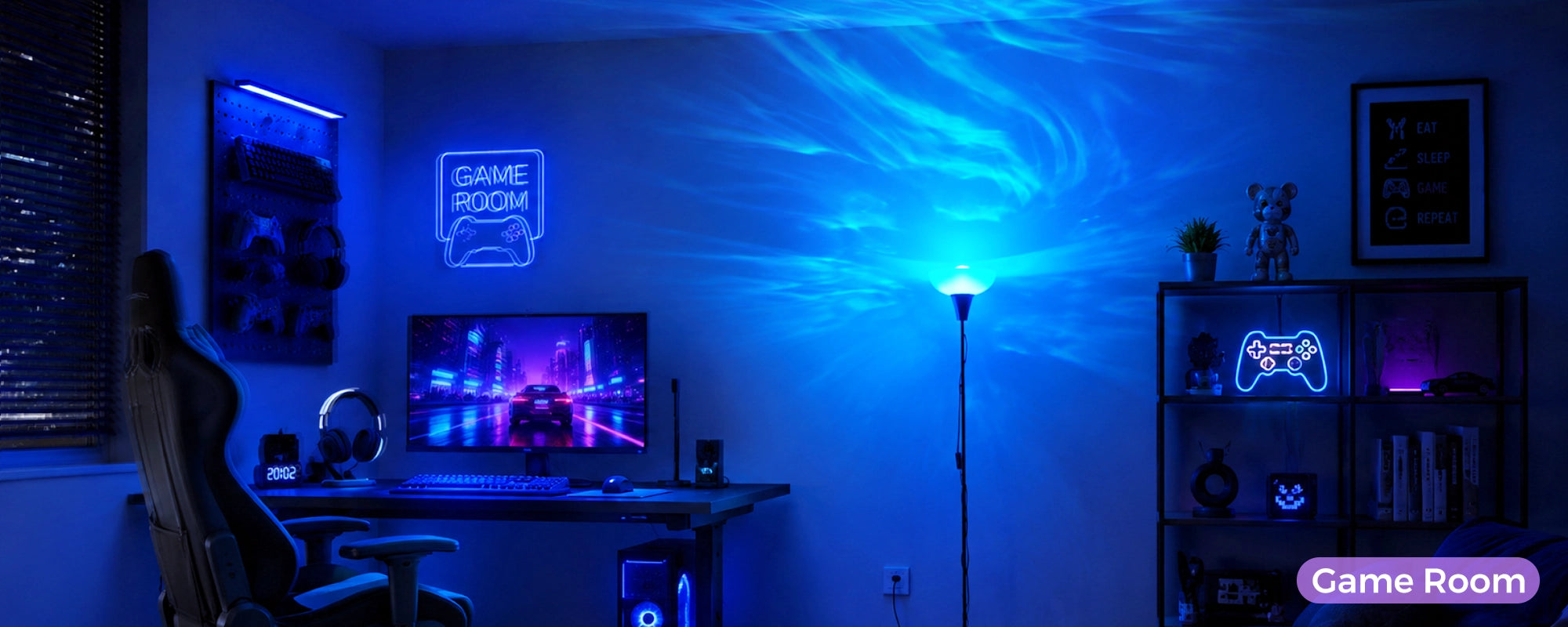
Whether you need soft bedtime glow, vibrant gaming aurora or party rhythm lighting, it matches every mood & occasion.
No confusing settings, just instant atmosphere, with 17 preset scene templates ready for all holidays and daily moments.

Music Sync Rhythm Mode – Lights Dance To Your Beats
Built-in high-sensitivity microphone captures surrounding audio in real time.
The swirling aurora projection pulses, flows and shifts following every beat of your music.
Perfect for karaoke, game nights and house parties to create a dynamic indoor light show, with zero extra speaker connection and real-time audio sync.
Our Customers’ Real Photos
See how others light up their parties. Tag @Twelvetooo to be featured.


Free shipping and returns
Product Specifications
Product Name
Twelvetooo Smart Aurora Projection Bulb
Socket Type
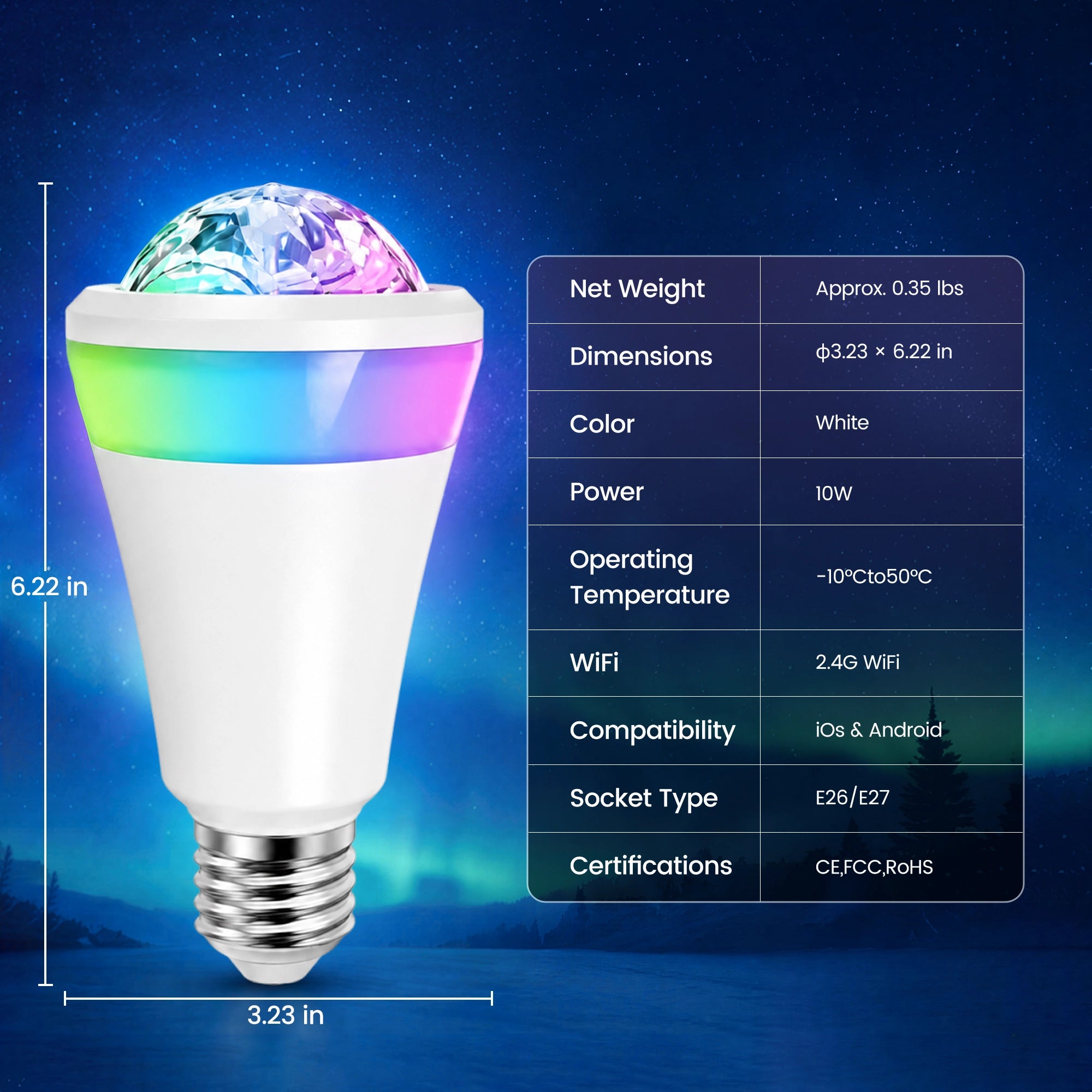
E26 / E27 universal screw base
Light Source
16M RGBW full spectrum, flowing dynamic aurora ripple projection
Power
10W
Control
APP / Voice / Remote Control (included)
Timer
1H / 2H / 4H / 8H Auto-off (with cyclic restart)
Voice Control
Work with Amazon Alexa, Google Home, Apple Siri
Projection Area
538 ~ 2,153 sq.ft
Dimensions
Φ3.23 × 6.22 inches
Package Contents
Main Unit ×1, Remote ×1, Antenna ×1, Wrench x1, Manual ×1, Power Adapter x1
FAQs
Please read our FAQs page to find out more.
Is the Smart Projection Bulb waterproof? Can I use it outdoors?
The bulb itself has no waterproof rating. But you can install it inside an E26/E27 waterproof lamp shade to use it on covered patios, porches and poolside areas for stunning outdoor aurora light shows. It’s an upgraded outdoor lighting alternative to ordinary wave projectors, with softer flowing aurora ripple effects you can’t get from traditional outdoor lights.
Why won’t my bulb connect to 2.4G Wi-Fi?
This bulb only supports 2.4GHz Wi-Fi, 5G Wi-Fi is not compatible.
Double check your Wi-Fi password, avoid special symbols.
Reset the bulb by cutting power for 10 seconds, then re-pair in Surp Life App.
Can I control the bulb without the Surp Life App?
Yes, you can use voice commands via Alexa / Google Home directly after pairing, or adjust basic lighting modes through preset scene cycles. Full custom color & aurora settings require the Surp Life App.
Does the bulb save my light settings after power off?
Yes, it has built-in memory function. It will restore your last used color, brightness and aurora mode when powered on again, no need to re-adjust every time you turn it on.
The aurora projection looks dim. How to fix it?
Make sure the bulb is fully screwed into the lamp socket for stable power supply.
Adjust the brightness slider in Surp Life App to maximum output.
Avoid covering the top crystal projection lens with thick lampshades that block flowing aurora light output.
Can I group & sync multiple bulbs together?
Absolutely. Surp Life App supports group control for up to 50 bulbs at once, you can sync all aurora effects, music rhythm and timers for multi-lamp indoor & covered outdoor scenes.
How to use the music sync rhythm mode?
Turn on Music Sync in the Surp Life App. The built-in high-sensitivity mic will automatically capture surrounding audio, and the aurora lights will pulse and flow following music beats in real time. Perfect for indoor parties and covered outdoor gatherings with zero extra speaker wiring.
Does it work with Alexa & Google Home smart home systems?
Yes, full compatibility with Amazon Alexa and Google Home. You can use simple voice commands to turn on/off, adjust brightness, switch colors and activate aurora scenes for both indoor and covered outdoor fixtures, with instant stable voice response.
What lamp fixtures fit this bulb?
It fits all standard E26 / E27 screw sockets, compatible with indoor table lamps, floor standing lamps, ceiling lamp holders, and outdoor waterproof lamp enclosures. No extra adapters needed for all common lamp bases.
What should I do if the bulb fails to turn on or stops working?
Check if the lamp socket has normal power supply.
Reinstall the bulb tightly to ensure good contact.
Cut off power for 15 seconds to reset the device, then re-pair in the App.
If you use it outdoors, confirm your waterproof shade is intact without water seepage.
Contact our support team if the issue persists.