

Bring Ocean Waves To Your Space
Dynamic Water Ripple Lighting for Room
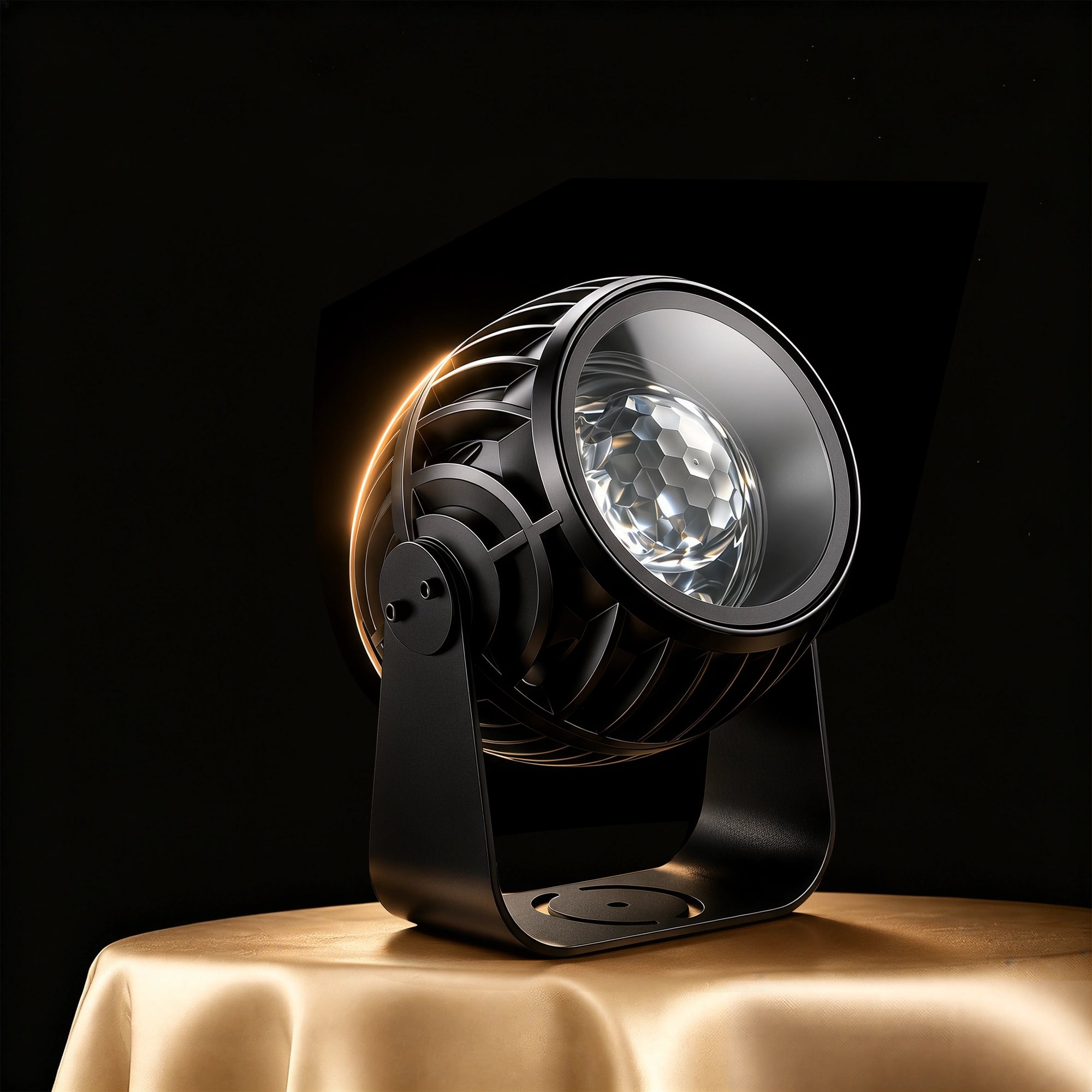


🌊 Create flowing ocean-wave light indoors – Transform your ceiling and walls into a soothing, realistic water ripple sanctuary for relaxation, sleep, and cozy ambient mood.
💡 Smart Ocean Wave Projector – High-definition ambient lighting with customizable colors, ripple flow speeds, and dynamic brightness to fit any room decor.
🎵 Music-Sync Rhythm Mode – Ambient ripples pulse and dance in sync with your favorite music and beats via the built-in acoustic sensor.
📱 Smart 3-Way Control – Seamlessly manage modes and lighting scenes via Smart APP, RF remote, or hands-free voice commands with Alexa & Google Assistant.
⏱️ Smart Timer & Scheduling – Set automated sleep timers and wake-up schedules to drift off peacefully under gentle moving ocean waves.
🏠 Versatile Indoor Application Scenes – Ideal for bedrooms, living rooms, meditation corners, gaming setups, home theaters, and sensory relaxation spaces.
Pairs well with
In stock! Ships within 1-2 business days.
30-day risk-free trial
1-Year Warranty
Free shipping over $70
Twelvetooo HW10 Ocean Wave Projector - Indoor Water Ripple Ambient Light
If you have any questions, you are always welcome to contact us. We'll get back to you as soon as possible, within 24 hours on weekdays.
Information
Questions, concerns, or just exploring? We’re always here to help you enjoy every moment with Twelvetooo.
Shipping information
Free Shipping over $70, more information please click here.
Customer Support
Email Support: Available 24/7
Service@twelevetooo.global
Live Chat: 10:00 AM – 6:00 PM (GMT+8)
US Phone Support: 10:00 AM – 6:00 PM (GMT+8)
+1 213 498 6666
More information please click here.
Dynamic Water Ripple Lighting for Room


Find Your Fit
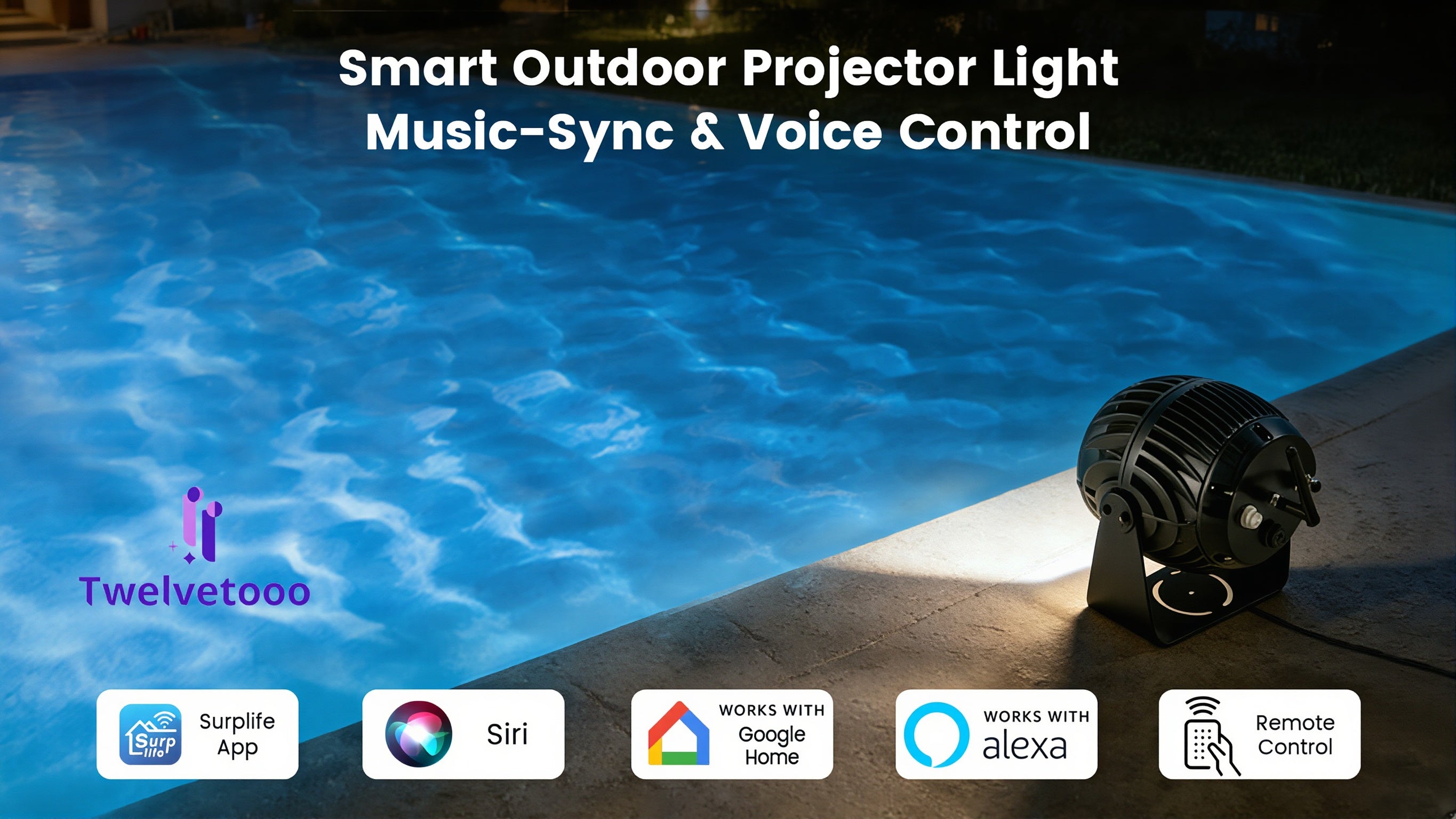
Most water ripple projectors are built for a nightstand. HW10 was built for a property — indoors and out.


| HW10 | Typical Indoor Projector | |
|---|---|---|
| Body | Die-cast aluminum — the same material used in professional landscape lighting. Won't crack or fade. | Plastic housing. Degrades under sun and rain. |
| Waterproof | IP65 rated — dust-tight and rain-resistant. Safe for permanent outdoor installation. | No rating. Indoor use only. |
| Coverage | Up to 3,229 sq ft — covers a pool deck or open-plan living room with one unit. | Around 540 sq ft. Enough for a single bedroom. |
| Brightness | 40W optical system — roughly 3× the brightness of standard projectors. | 4 small RGBW beads. Colors wash out in large spaces. |
| Connection | 2.4G Wi-Fi direct — no Bluetooth relay, no re-pairing every time. | Bluetooth-dependent. Frequent dropouts. |
| In the Box | Everything included — power adapter, remote, antenna, wrench, manual. | Power adapter often sold separately. |







Endless DIY Possibilities & 40+ Built-in Preset Scenes


The Surplife app gives your HW10 Ocean Wave Projector instant custom scenes. Halloween: spooky purples, eerie greens, slow ripples. Christmas: warm reds, festive greens, soft snowy glows. Adjust colors & flow speeds for perfect indoor holiday ambiance. No complexity. Just one tap.

Alexa, Google Home, Siri, or Surplife app — HW10 answers every time. Use whichever is closest. 2.4G Wi-Fi keeps response instant and stable. No fumbling. No delays. Just light, exactly when you want it.

Set the timer, drift off. Whisper-quiet waves for Halloween & Christmas nights.

Set the timer, drift off. Whisper-quiet waves for Halloween & Christmas nights.
Free shipping and returns


Please read our FAQs page to find out more.
HW10 is designed for indoor and covered outdoor use(e.g., patios, gardens, building facades). Please note: the product itself is not fully submersible. For outdoor use, place it in a dry, sheltered location away from direct rain or sprinklers. Operating temperature range: 14°F ~ 104°F (-10°C ~ 40°C)
HW10 only supports 2.4 GHz Wi-Fi networks. Please ensure your router is broadcasting a 2.4 GHz signal (not 5 GHz). During setup, open the Surplife App, tap "Add Device," select your 2.4 GHz network, and enter your password. If connection fails, try restarting both the device and your router.
First, check that the remote has a battery installed. To pair or re-pair the remote: press and hold the remote button for more than 6 seconds — the light will flash to confirm pairing. To unpair, press and hold for more than 6 seconds again. If issues persist, replace the remote battery.
HW10 does not retain custom settings (e.g., wave effect off, color mode) after power-off. When powered back on, it defaults to the last active mode. We recommend using the Timer function to schedule automatic on/off times so your preferred settings are active when you need them.
Projection brightness and clarity depend on surface color and distance. Dark surfaces (e.g., dark bricks, dark garage doors) absorb light and reduce visibility. For best results, project onto light-colored, flat surfaces (white walls, light facades, pool surfaces) within the recommended projection area of 538–2,153 sq.ft (50–200 m²). Also check that the projection lens is clean.
Yes. While the primary controls are via the Surplife App, voice assistants (Alexa, Google Home, Siri), and the included remote, the device also features a manual control button on the unit itself. Pressing this cycles through modes — useful if you've misplaced the remote.
Use the included wrench to loosen the screws on both sides of the bracket. Adjust the angle to your desired position, then tighten the screws again to secure. Do not force the bracket beyond its range of motion.
The timer offers preset auto-off durations: 1H / 2H / 4H / 6H / 8H. After the set time, the device will turn off and automatically restart after 23/22/20/18/16 hours respectively(in a cycle). To cancel the timer and prevent auto-shutdown, use the "Timer OFF" function on the remote.
First, check that the power adapter is securely connected and the outlet is functional. HW10 requires AC 110V–240V, 50Hz–60Hz power supply. If using an adapter outside this range, use a voltage regulator. If the device still doesn't power on, contact Surplife customer support — do not attempt to open or repair the unit yourself, as the light source is non-replaceable.
Yes. HW10 is compatible with Amazon Alexa, Google Home, and Apple Siri via the Surplife App. Once set up, you can control the light with voice commands — no need to reach for your phone or remote.