

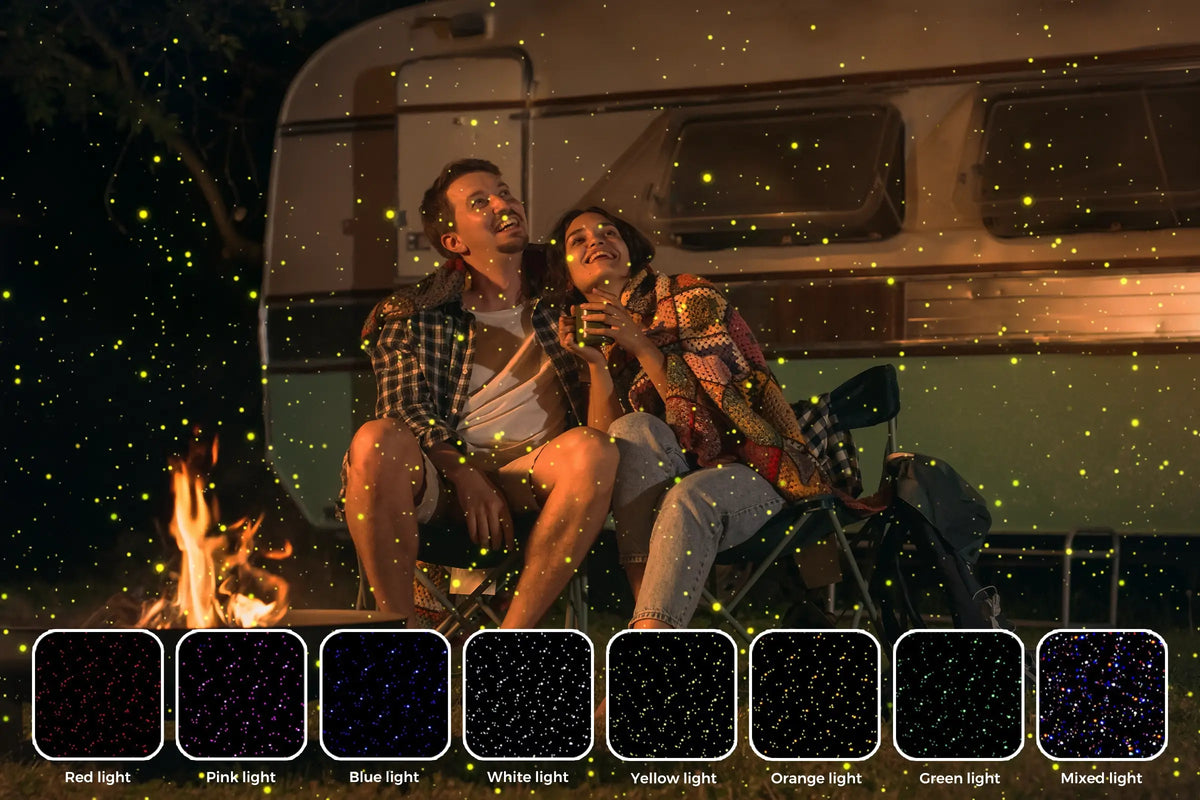
✨ Twelvetooo HW07D
Swaying Firefly Lights — Let every evening feel a little more magical.
🔹 Unbox & Set Up in 5 Minutes
For: First‑time users · Goal: Unbox, mount, power on, pair the remote, and see your first firefly glow.
📦 1. Unboxing – Check Your Kit
Inside the box you’ll find (as listed in the User Manual):
- HW07D Firefly Light projector × 1
- Remote control (with battery) × 1
- Power adapter (DC12V / 2A) × 1
- Allen key (for angle adjustment) × 1
- User Manual × 1
📄 Full manual: Download the HW07D User Manual (PDF) — keep it handy for reference.
🔧 2. Mount & Angle – Use the Allen Key
As the manual states:
“The projection angle of the product can be adjusted. Please use the included wrench to loosen the screws on both sides of the bracket, adjust the angle and then lock.”
- Loosen the two side screws slightly (don’t remove them).
- Tilt the lamp up or down — we recommend a slightly downward angle for wider floor coverage.
- Retighten both screws firmly.
- Plug the power adapter into the DC input port (label: DC12V / 2A).
⚡ Important: Using an adapter outside DC12V/2A may damage the unit. If in doubt, use a regulated power supply.
🔗 3. Power On & First‑Time Remote Pairing
The unit starts automatically when plugged in. The display window will light up.
Pair your remote (critical step):
- Immediately after power‑on, press the pairing button on the remote (look for
PAIRor the pairing icon). - The light will flash 3 times — pairing successful.
- If it doesn’t work, press and hold the pairing button for 3+ seconds to cancel, then press again to re‑pair.
💡 Memory function: Once paired, the HW07D remembers your last mode and remote pairing — even after power loss.
🎮 4. Quick Remote Controls
Here are the most‑used buttons on the remote:
| Button | Function |
|---|---|
| Power | On / Off |
| Mode | Switch between floating, static, breathing, stroboscopic effects |
| Brightness +/− | Adjust overall brightness (maps to menu Y000–Y255) |
| Speed +/− | Adjust rotation / flicker speed (maps to SP00–SP32) |
| Color | Cycle through 7 preset colors: White, Yellow, Red, Green, Blue, Purple, Orange |
| Voice | Toggle music‑sync sensitivity (So00 = off, So01–15 = low to high) |
With just the remote, you can handle 90% of daily use — no app needed.
⚠️ 5. Quick Troubleshooting
| Issue | Check / Fix |
|---|---|
| No power / no light | Verify adapter is DC12V/2A; try a different outlet; check the connection. |
| Remote not responding | Replace battery; re‑pair (hold pairing button 3s to cancel, then pair again). |
| Dim projection | Increase brightness via remote or menu (Y value). |
| Wrong angle | Use the Allen key to re‑adjust the bracket screws. |
| Overheating | Ensure proper ventilation; avoid prolonged continuous use in enclosed spaces. |
🛡️ Safety first (from the manual):
• Never look directly at the light source when powered on.
• The light source is non‑replaceable — replace the whole unit at end of life.
• Damage from misuse (e.g. incorrect adapter) is not covered under warranty.
• Never look directly at the light source when powered on.
• The light source is non‑replaceable — replace the whole unit at end of life.
• Damage from misuse (e.g. incorrect adapter) is not covered under warranty.
Twelvetooo — More than just a light, it’s a feeling.
© Twelvetooo. All rights reserved. | twelvetooo.global
Share:
Are Star Projectors Quiet Enough for Sleep and Meditation?
How to Choose the Right Pool Projector Light – A Complete Buyer‘s Guide