
How to Clean and Maintain Your 3D Holographic Projector
— A simple guide to keeping your Twelvetooo 3D01 in top condition.
Like any electronic device, your 3D holographic star projector needs occasional care to stay in top condition.
Dust on the lens can cause blurry images. Dirt buildup can affect performance. And a little preventive maintenance goes a long way toward extending the life of your device.
The good news? Maintenance is simple. You don't need special tools or technical skills — just a few minutes and the right technique.

⚠️ Before You Start — Safety First
Before cleaning your projector, follow these important safety steps:
- Unplug the device from the power source
- Wait for it to cool down if it's been in use — give it about 20-30 minutes
- Work in a well-lit area so you can see what you're cleaning
- Use the right tools — soft, lint-free cloths and gentle techniques
🔍 How to Clean the Projection Lens
The lens is the most important part to keep clean. A dirty lens = blurry projection.
Step-by-step lens cleaning:
- Use a soft microfiber cloth — never use paper towels, tissues, or rough materials
- Gently wipe the lens in small circular motions from the center outward
- Remove dust or smudges carefully — don't press too hard
- If needed, apply 1-2 drops of lens cleaner to the cloth (never directly on the lens)
- Dry immediately with a clean, dry microfiber cloth
What to avoid:
- ❌ Abrasive cleaners, solvents, or chemical sprays
- ❌ Excessive moisture or liquid cleaners
- ❌ Facial tissue, paper towels, or coarse materials — they can scratch the lens
🧽 How to Clean the Exterior
The outside of your projector collects dust over time. Here's how to keep it clean:
Exterior cleaning steps:
- Use a soft, dry, lint-free cloth to gently wipe the surface
- For stubborn dirt, use a cloth slightly dampened with water (not wet)
- Wipe the ventilation slots gently to remove dust buildup
- Make sure the device is completely dry before plugging it back in
What to avoid:
- ❌ Abrasive cleaners, solvents, or chemical sprays
- ❌ Submerging the device in water or any liquid
- ❌ Using excessive moisture near the lens or ventilation openings

📦 How to Store Your Projector
If you're not using your 3D01 for a while, proper storage keeps it in great condition:
- Store it in a cool, dry place away from direct sunlight
- Keep it away from dust and moisture
- Cover the lens with the lens cap if one is provided
- Avoid storing it in extreme temperatures or high-humidity areas
- Recommended storage temperature: 5°C to 40°C (41°F to 104°F) (see product specifications)
📋 Maintenance Checklist
Use this quick checklist to keep your 3D holographic star projector in top shape:
| Task | Frequency | Why it matters |
|---|---|---|
| Wipe exterior | Weekly | Prevents dust buildup and keeps the device looking new |
| Clean lens | As needed (when blurry) | Ensures crystal-clear 3D projection |
| Check ventilation slots | Monthly | Prevents overheating and extends device life |
| Inspect power adapter | Monthly | Ensures safe, reliable power delivery |
🎯 The Bottom Line
Cleaning and maintaining your 3D holographic star projector doesn't have to be complicated.
Unplug it. Use a soft, dry, lint-free cloth for the exterior. Use a microfiber cloth for the lens. Avoid abrasive cleaners and excessive moisture. Store it in a cool, dry place.
That's all it takes to keep your 3D01 projecting clear, vibrant 3D scenes for years to come.
✨ Ready to bring the 3D universe into your home?
🔗 Explore Twelvetooo 3D01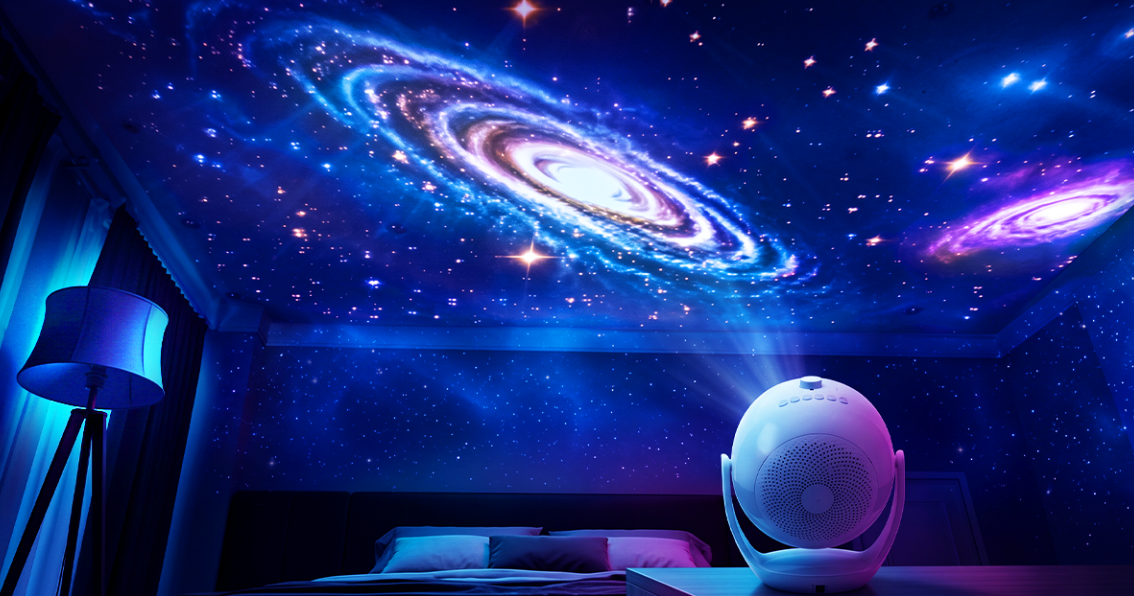
Share:
How to Get the Sharpest 3D Projection – Focus & Placement Guide
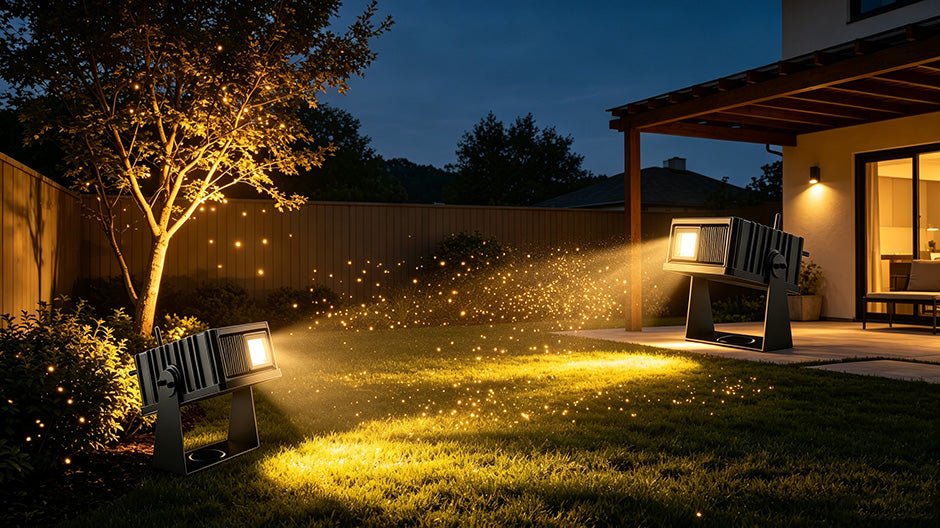
365 Nights of Ambiance: How HW07D Transforms Your Yard in Every Season