Do You Need Wi‑Fi or an App to Use a 3D Holographic Projector?
— The short answer: no. Here's why that's a good thing.
Here's a question we hear surprisingly often: "Does the 3D01 need Wi‑Fi? Do I have to download an app?"
It makes sense. These days, it feels like everything requires an app, an account, and an internet connection. Your lights? App. Your thermostat? App. Your toaster? Probably has an app too.
So when people see a 3D holographic star projector, they assume the same thing: "I bet I need to download something to make this work."
Here's the refreshing truth: No. You don't.
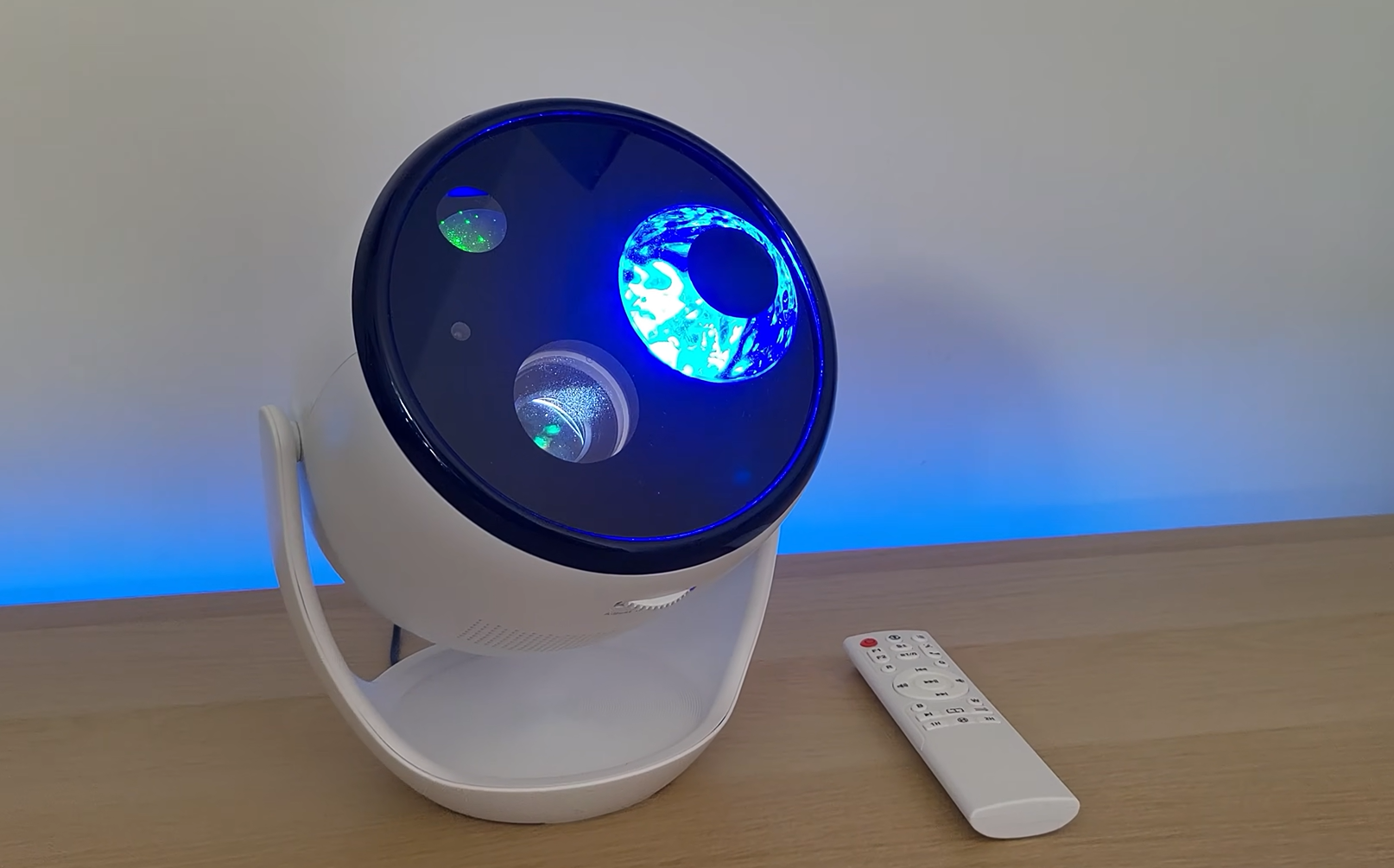
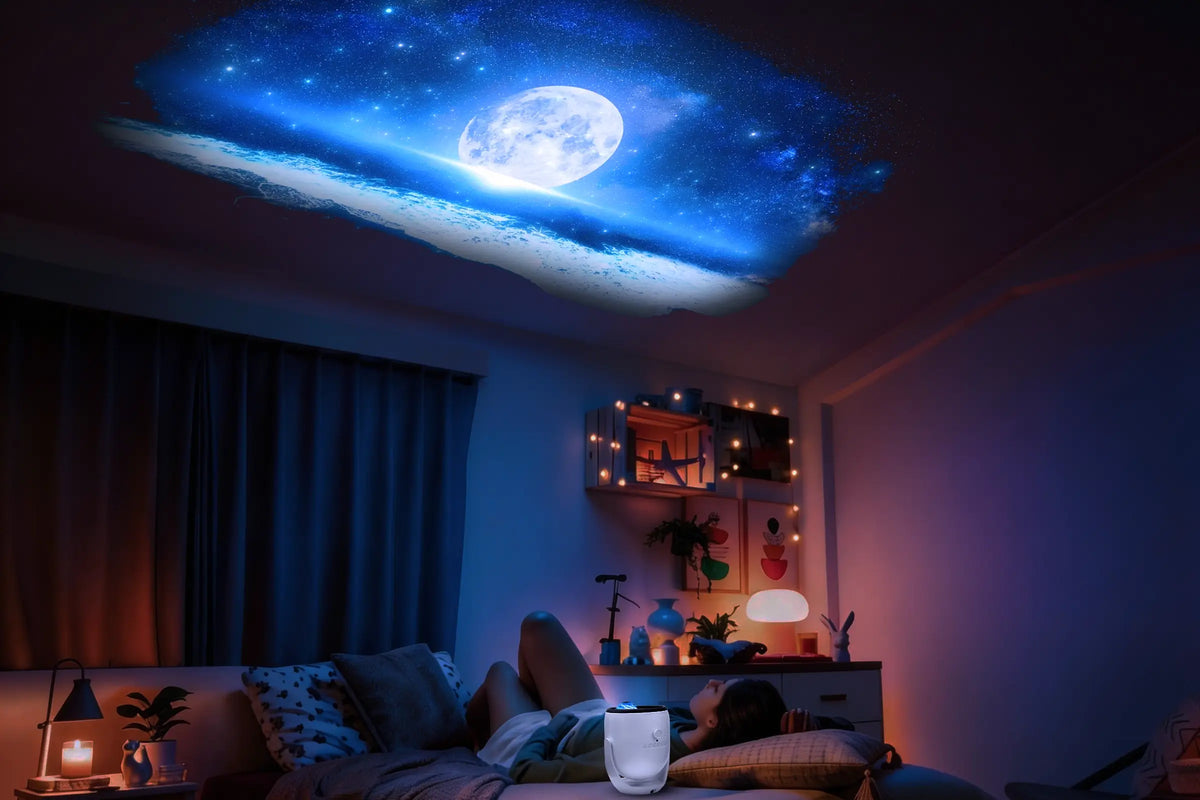
The Twelvetooo 3D01 is plug‑and‑play. No Wi‑Fi. No app. No account creation. No firmware updates. Just plug it in, point it at your ceiling, and you're ready to go.
🔌 What "Plug‑and‑Play" Actually Means
With the 3D01, setup takes about 30 seconds:
- Plug it in — Connect the power adapter to a wall outlet.
- Point it — Aim the projector at your ceiling or wall.
- Turn it on — Press the power button on the device or remote.
- Enjoy — Cycle through 90+ 4K 3D scenes with the remote control.
That's it. No Wi‑Fi network selection. No app store visits. No "create an account" screens. No privacy policies to click through.
📱 Wait — Don't Some Projectors Need an App?
Yes, some do. Many "smart" galaxy projectors on the market require you to download an app, create an account, connect to your Wi‑Fi, and then control the device through your phone. In some cases, the remote control won't even work in Wi‑Fi mode — you're forced to use the app.
For some people, that's great. They love the extra control, the ability to adjust settings from across the room, and the integration with voice assistants like Alexa or Google Home.
But for others? It's a dealbreaker.
✨ Why "No App Required" Is Actually a Feature
Here's why the 3D01's simplicity is a strength — not a weakness:
1. No Tech Headaches
No "device not found" errors. No connection drops. No "update available" pop‑ups. The 3D01 just works — every time.
2. No Privacy Concerns
No app means no data collection, no account to hack, and no cloud dependency. Your 3D01 isn't sending your usage data anywhere.
3. Perfect for Non‑Techies
Gift it to your parents? Give it to a grandparent? Hand it to a child? They can all use it without a tutorial. The remote has clearly labeled buttons — power, brightness, color, rotation, timer. That's it.
4. Works Anywhere
No Wi‑Fi? No problem. Take the 3D01 camping, to a cabin, or use it in a room with poor signal. It doesn't care.
5. No App Clutter
Your phone already has too many apps. Why add one more for a single device?
👤 Who Is the 3D01 Perfect For?
The "no app required" approach makes the 3D01 ideal for:
- Parents — Simple enough for kids to use, safe from accidental app purchases or settings changes.
- Older adults — No tech support calls. Just a remote control with big, clear buttons.
- Minimalists — One device, one remote, no apps, no accounts, no digital clutter.
- Campers & travelers — Works without Wi‑Fi, perfect for off‑grid escapes.
- Anyone tired of "smart" everything — Sometimes, simple is better.
🎮 What Can You Do With the Remote?
Just because there's no app doesn't mean you're limited. The included remote gives you full control over:
- ✅ Power — On/Off
- ✅ 90+ 4K 3D scenes — Cycle through all animation themes
- ✅ Brightness — Adjust up or down
- ✅ Rotation speed — Faster or slower
- ✅ Colors — Switch between different color palettes
- ✅ Timer — Set auto‑off for 1H, 2H, 4H, 6H, or 8H
- ✅ Sound — Turn built‑in audio on or off
- ✅ Bluetooth — Stream music from your phone
Everything you need, right in your hand. No phone required.
🎯 The Bottom Line
Do you need Wi‑Fi or an app to use the Twelvetooo 3D01?
No. Absolutely not.
The 3D01 is designed for people who want magic without the hassle. Plug it in. Point it at the ceiling. Use the remote. That's it.
In a world where everything seems to require an app, an account, and an internet connection, sometimes it's nice to have something that just works — no strings attached.
✨ Ready for a galaxy projector that just works — no app required?
🔗 Explore Twelvetooo 3D01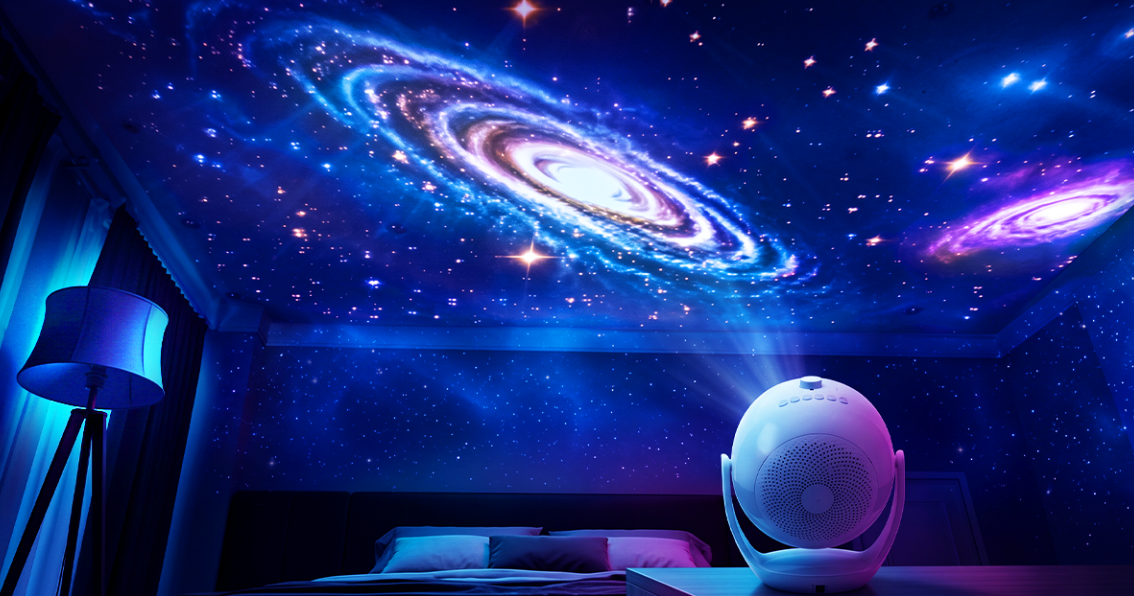
Share:
Is a Galaxy Projector Safe for Kids' Eyes? What Parents Need to Know
HW07D – Advanced Controls: On‑board Menu + App + Music Sync